


Joe Danger
91%


 Add To Cart
 Add To Cart
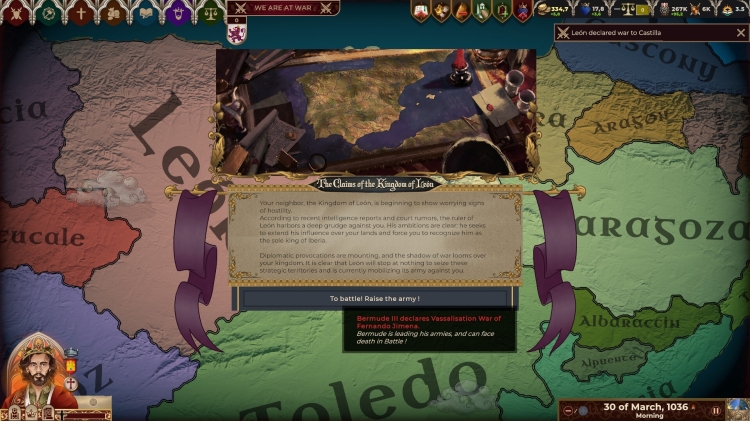
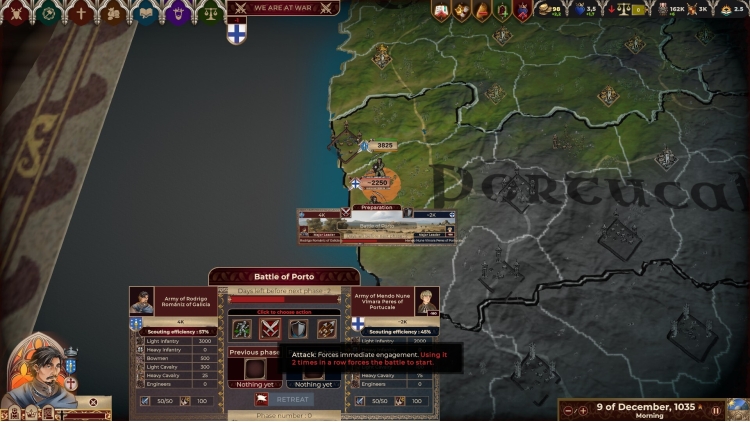
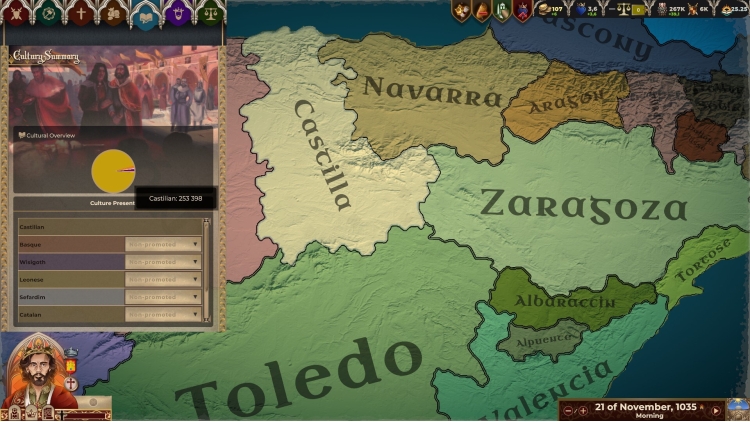
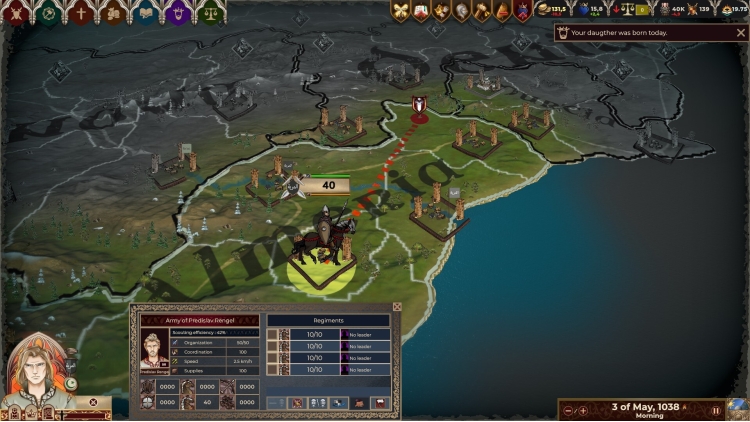
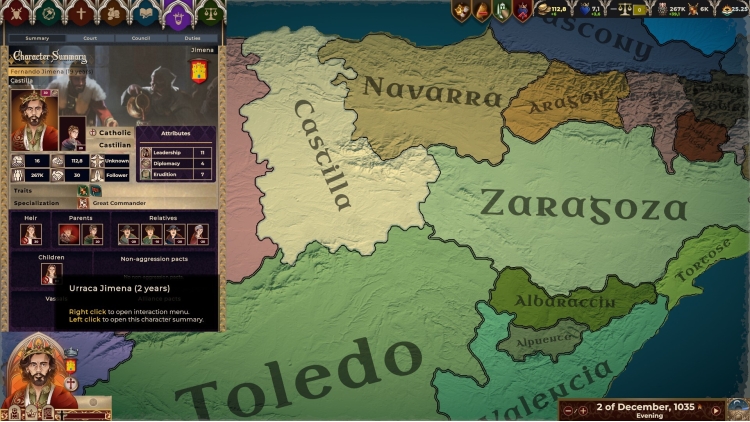
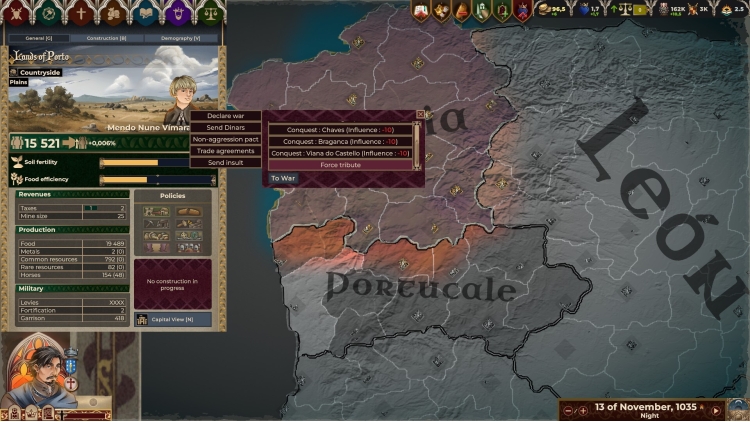
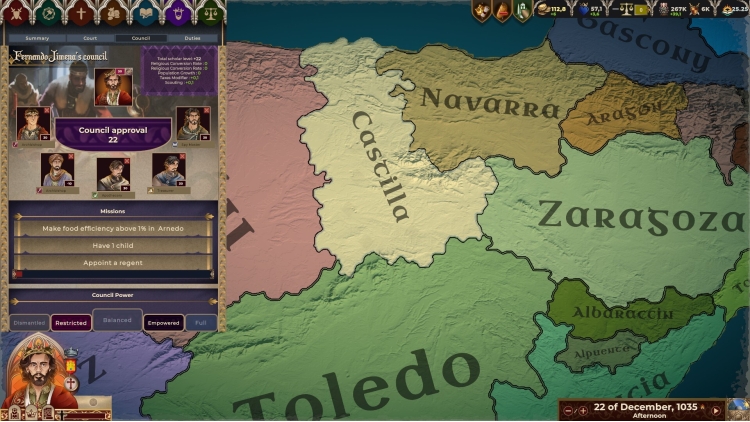
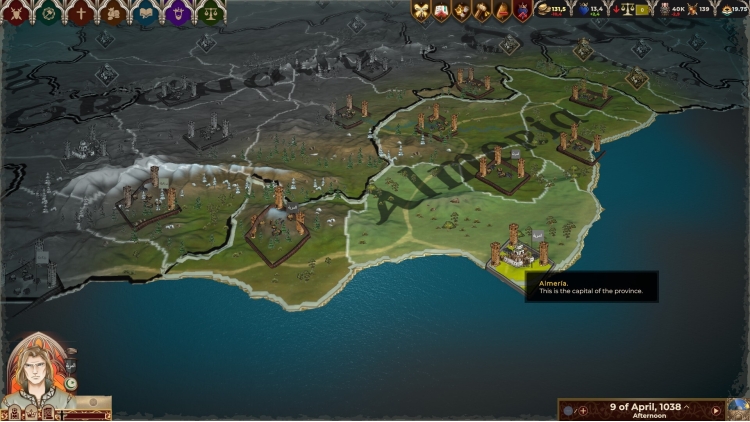
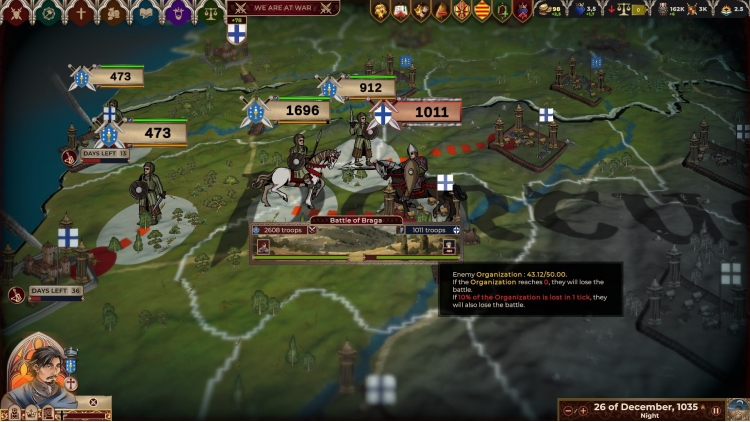
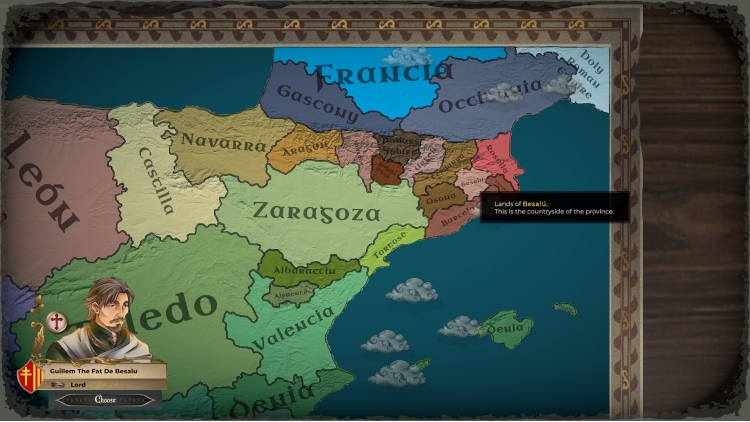
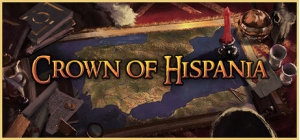
It is 1035 AD. Sancho III of Navarre is dead, his kingdom divided between his sons, and the great Caliphate of Cordoba has already shattered into rival taifas. The Iberian Peninsula is split between Christian kingdoms in the north and fragmented Muslim taifas in the south, and nobody in it agrees on who should hold it.
I’m not going to lie, it was a bit of a weird time, but hey, “
Violence is sometimes THE solution
” (an actual quote from a museum historian in France). So I guess it’s cool.
Buy Crown Of Hispania - Early Access PC game code quickly and safely at the best prices guaranteed via the official retailer uk.etail.market
1)
Download & install the Steam client on your
computer from here.
2)
Open the Steam client, register and login. Then,
locate the Games tab on the top menu. Click that and select “Activate a Product
on Steam..”

3)
Enter your code that is showed on the orders page
of eTail. Market and and follow the steps showed to activate your game.

4)
The game can be monitored now and you can see it
on the "Library" section on Steam. You can download and install the
game now.
5)
If you need more information and support, you
can click here: https://help.steampowered.com/en/wizard/HelpWithSteam
 91%
Add To Cart
91%
Add To Cart
 70%
Add To Cart
70%
Add To Cart
 90%
Add To Cart
90%
Add To Cart
 0%
Add To Cart
0%
Add To Cart
 15%
Out of Stock
15%
Out of Stock
 55%
Add To Cart
55%
Add To Cart
 15%
Add To Cart
15%
Add To Cart
 32%
Add To Cart
32%
Add To Cart
 91%
Add To Cart
91%
Add To Cart