

NASCAR Heat 4 Gold Edition
15%


 Out of Stock
 Add To Cart

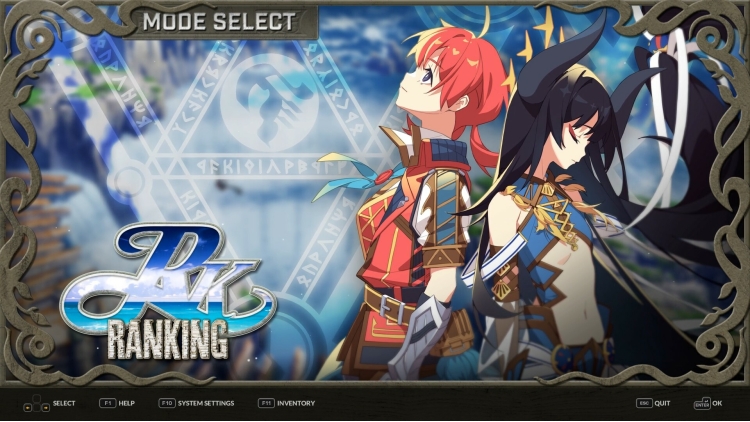
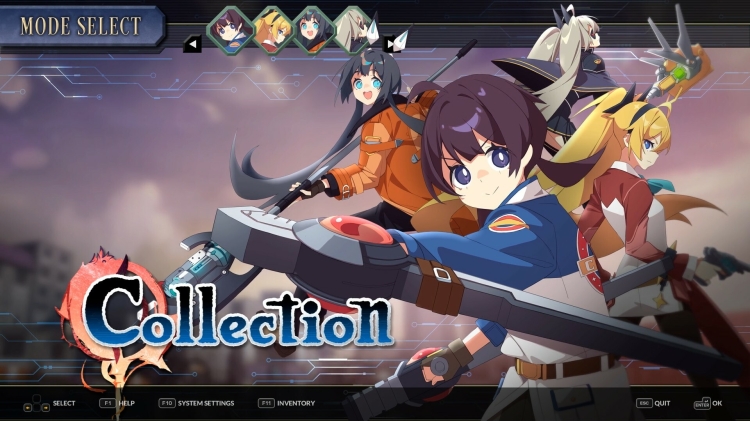
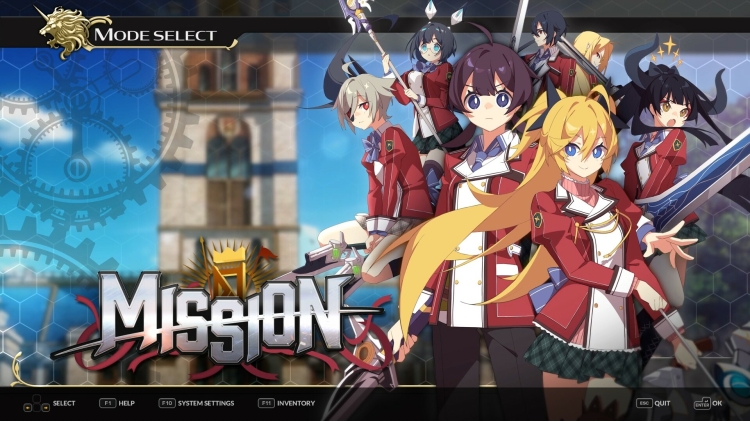
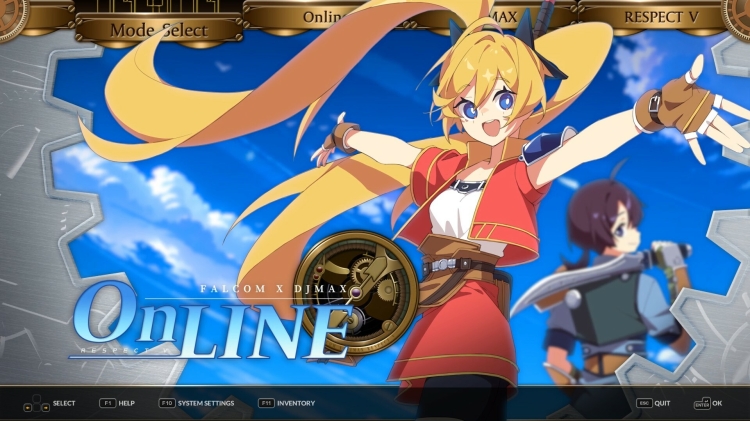
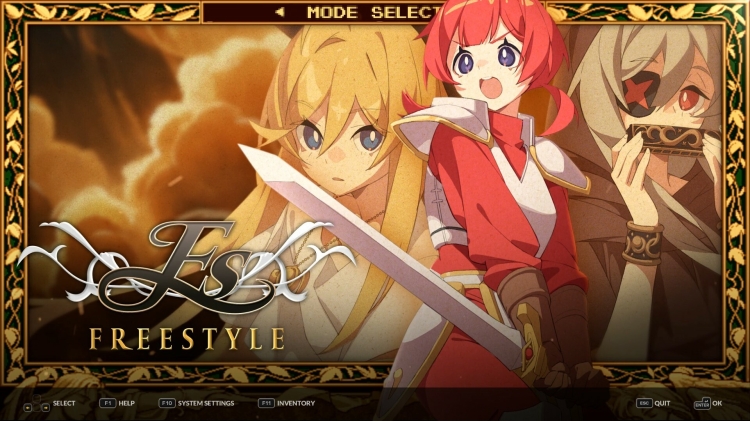
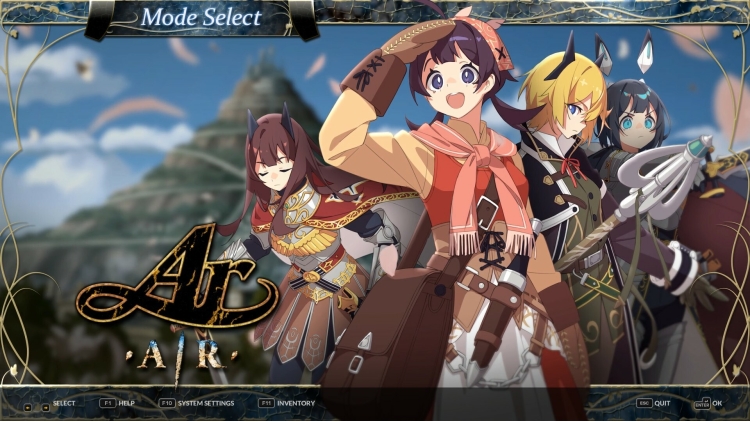
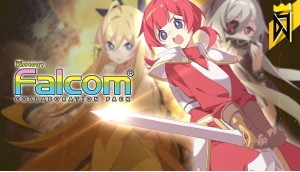
DJMAX RESPECT V - Falcom PACK!
Meet the 'Falcom Song' package now!
This DLC contains a total of 10 songs.
Now enjoy the songs of Falcom in DJMAX RESPECT V.
DJMAX RESPECT V - Falcom PACK Track List
1 - Ashita e no Kodou
2 - Blue Destination
3 - TO MAKE THE END OF BATTLE
4 - GENESIS BEYOND THE BEGINNING
5 - Inevitable Struggle
6 - To the Future.
7 - NORSE WIND
8 - Silver Will
9 - STEP AHEAD
10 - SUNSHINE COASTLINE
Buy DJMAX RESPECT V - Falcom PACK PC game code quickly and safely at the best prices guaranteed via the official retailer uk.etail.market
1)
Download & install the Steam client on your
computer from here.
2)
Open the Steam client, register and login. Then,
locate the Games tab on the top menu. Click that and select “Activate a Product
on Steam..”

3)
Enter your code that is showed on the orders page
of eTail. Market and and follow the steps showed to activate your game.

4)
The game can be monitored now and you can see it
on the "Library" section on Steam. You can download and install the
game now.
5)
If you need more information and support, you
can click here: https://help.steampowered.com/en/wizard/HelpWithSteam
 15%
Out of Stock
15%
Out of Stock
 Add To Cart
 0%
Add To Cart
0%
Add To Cart
 15%
Add To Cart
15%
Add To Cart
 27%
Add To Cart
27%
Add To Cart
 30%
Add To Cart
30%
Add To Cart
 27%
Add To Cart
27%
Add To Cart
