

Joe Danger
27%


 Add To Cart
 Add To Cart


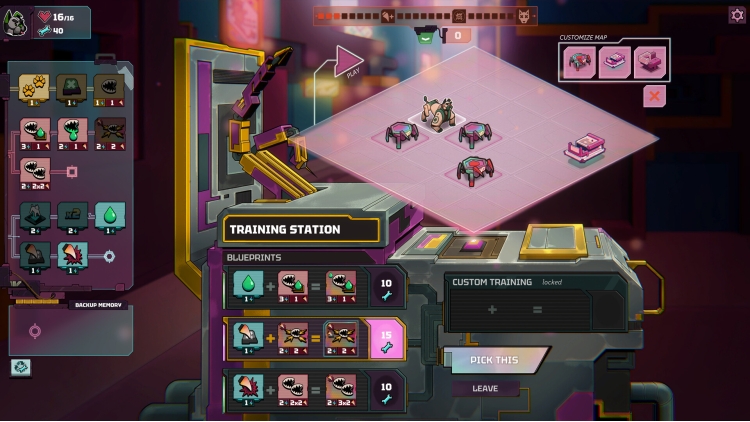
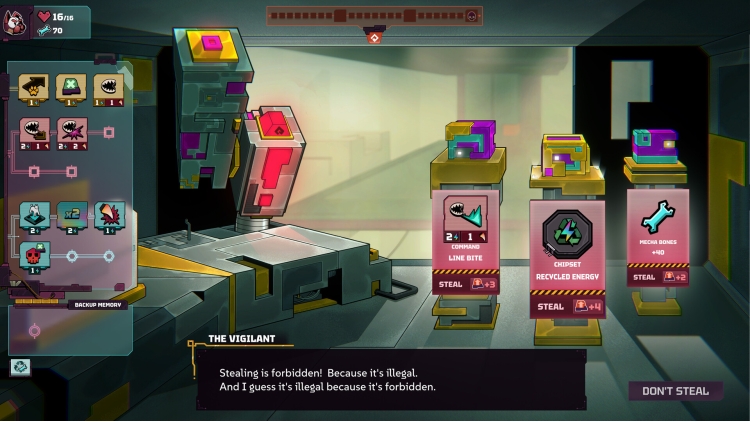
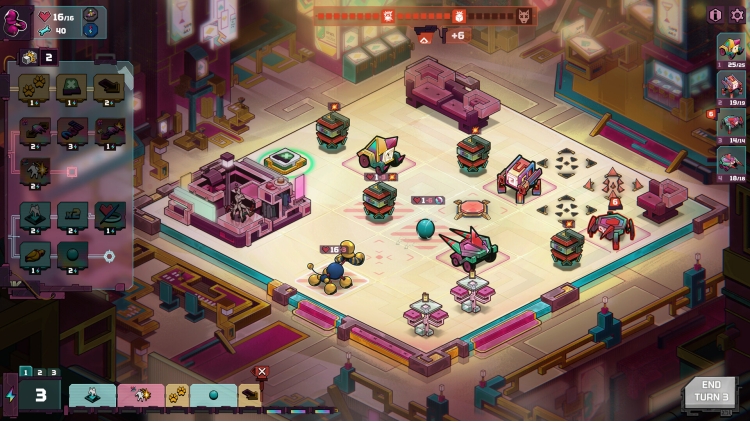
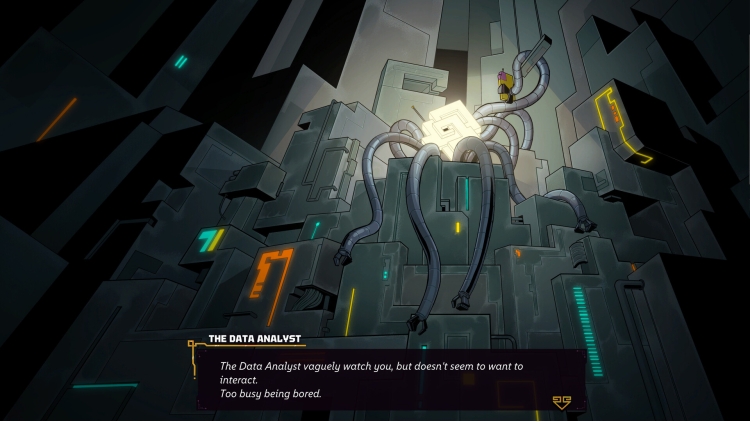
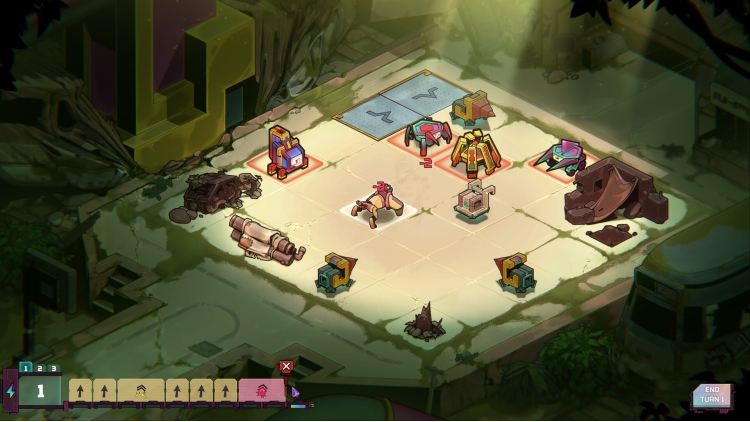
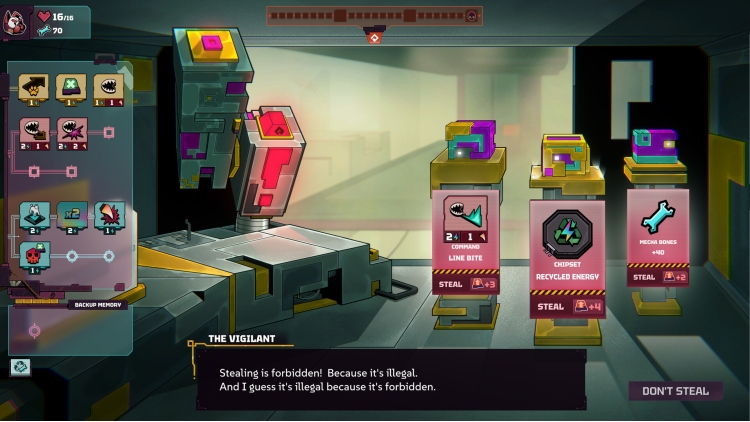
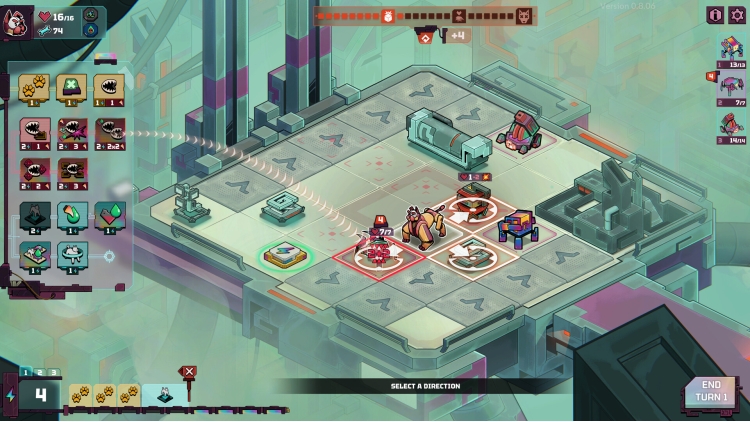
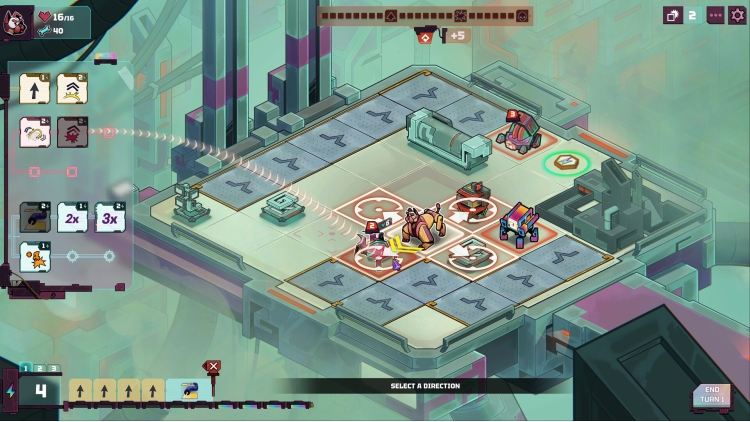
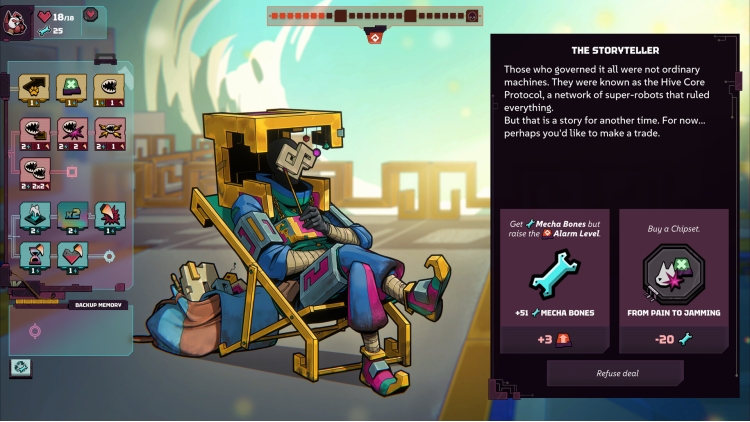
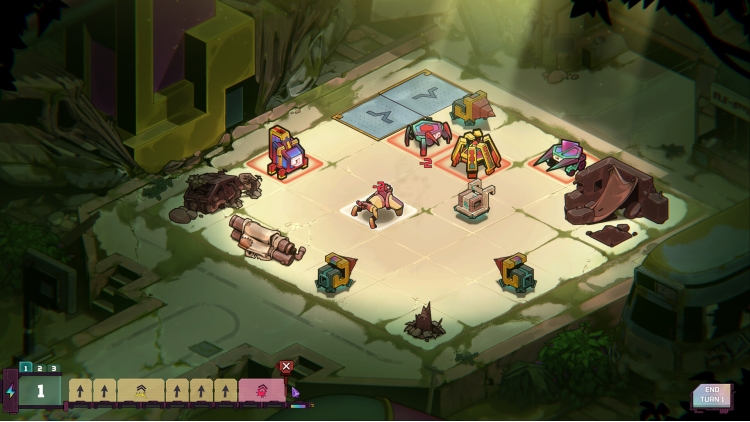
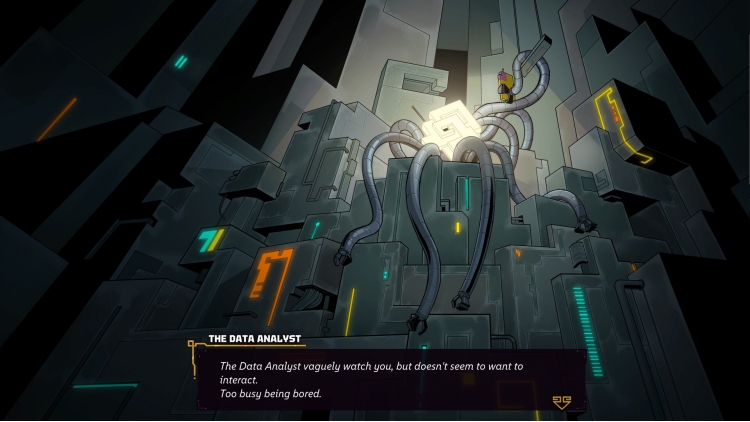
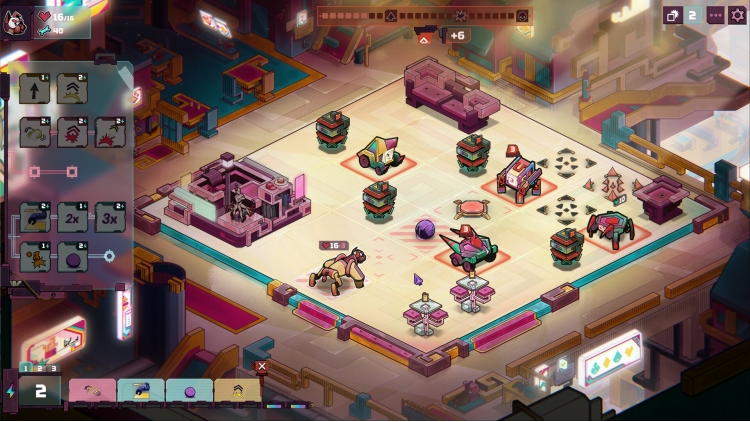
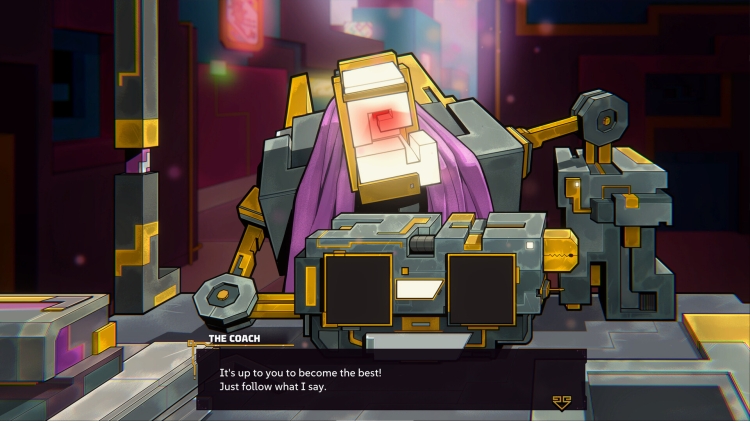

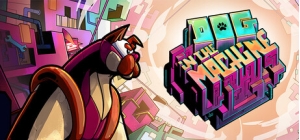
Dog in the Machine is a tactical roguelite where you help an AutoDog escape a dystopian mecha-city and reunite with its exiled humans.
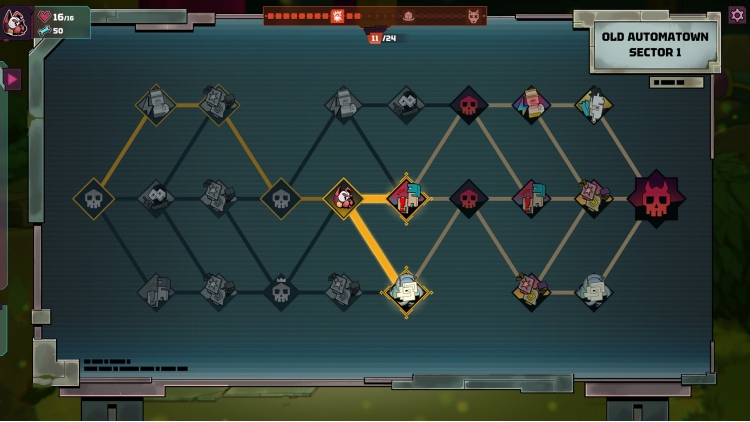
Battle through a series of encounters on compact grids filled with reactive elements, enemy guardians, and environmental hazards. Preview your actions, experiment with different strategies, and trigger the most satisfying chain reactions.
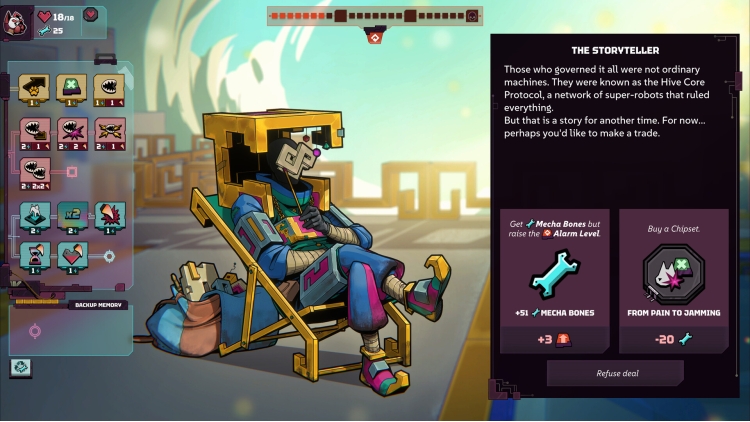
Between fights, meet quirky characters and craft a modular arsenal of attacks built around your favorite synergies.
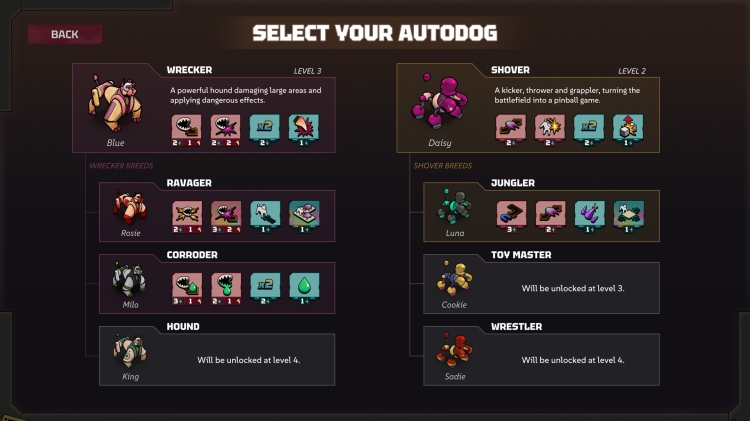
Play as 8 different dog breeds across an infinite number of procedurally generated levels. Between runs, unlock permanent upgrades and features, and try to conquer every difficulty level!
Buy Dog in the Machine PC game code quickly and safely at the best prices guaranteed via the official retailer uk.etail.market
1)
Download & install the Steam client on your
computer from here.
2)
Open the Steam client, register and login. Then,
locate the Games tab on the top menu. Click that and select “Activate a Product
on Steam..”

3)
Enter your code that is showed on the orders page
of eTail. Market and and follow the steps showed to activate your game.

4)
The game can be monitored now and you can see it
on the "Library" section on Steam. You can download and install the
game now.
5)
If you need more information and support, you
can click here: https://help.steampowered.com/en/wizard/HelpWithSteam
 27%
Add To Cart
27%
Add To Cart
 0%
Add To Cart
0%
Add To Cart
 15%
Out of Stock
15%
Out of Stock
 27%
Add To Cart
27%
Add To Cart
 15%
Add To Cart
15%
Add To Cart
 19%
Add To Cart
19%
Add To Cart
 32%
Add To Cart
32%
Add To Cart
 30%
Add To Cart
30%
Add To Cart
 Add To Cart
