

Joe Danger
91%


 Add To Cart
 Add To Cart

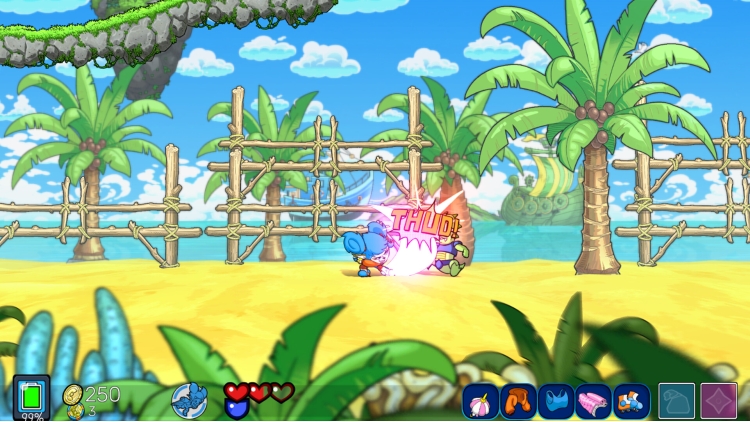
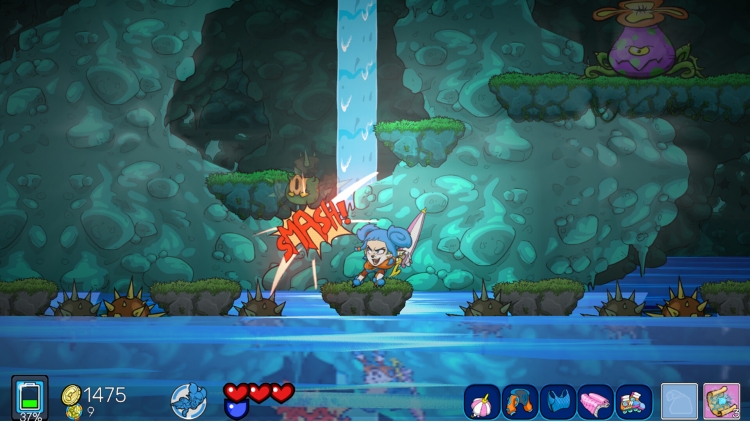
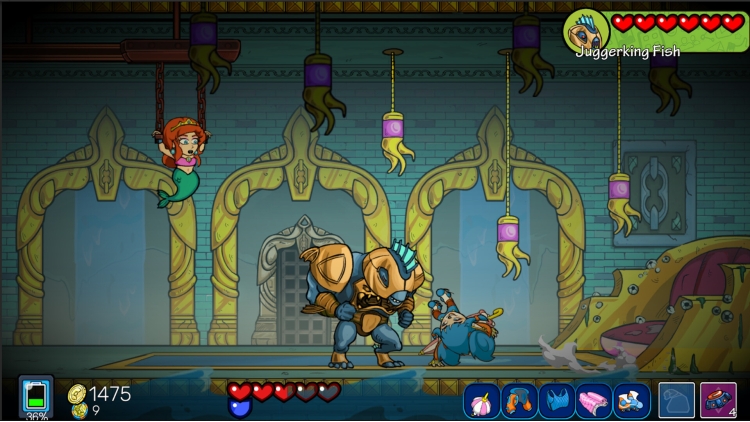
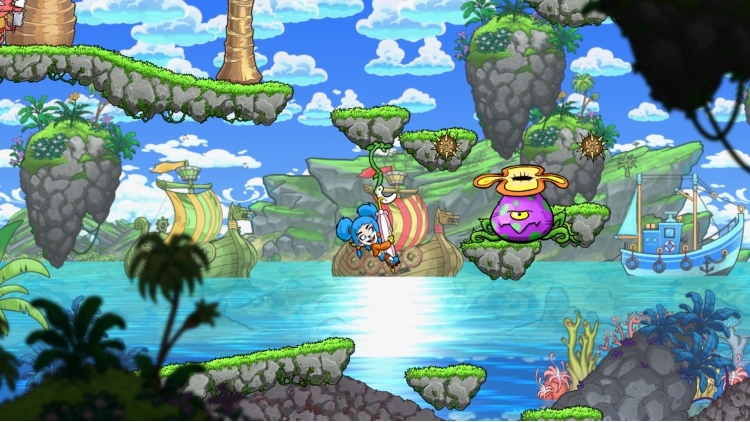
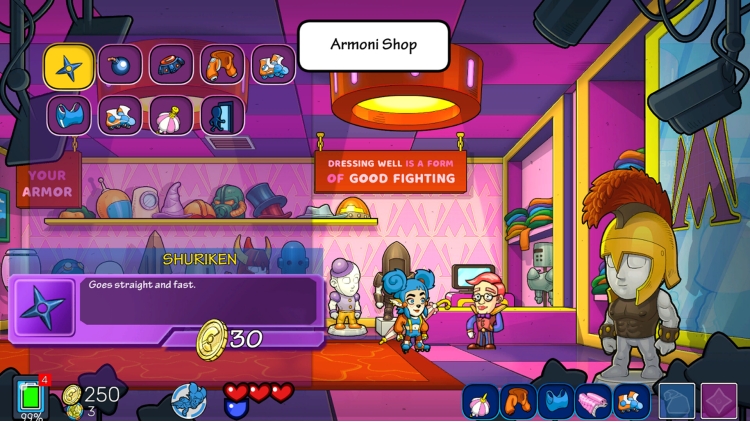
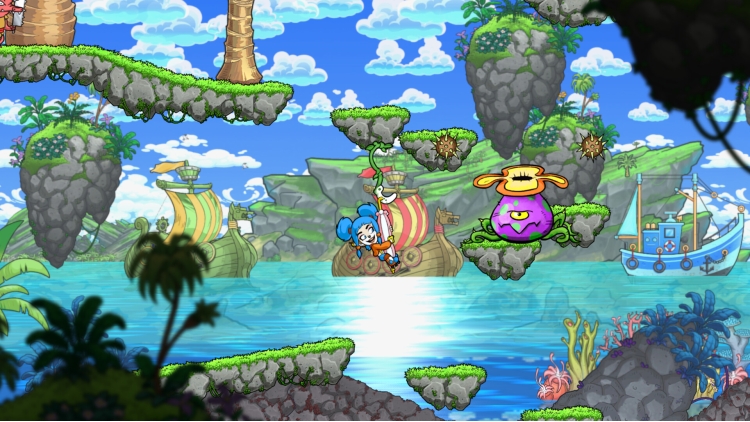
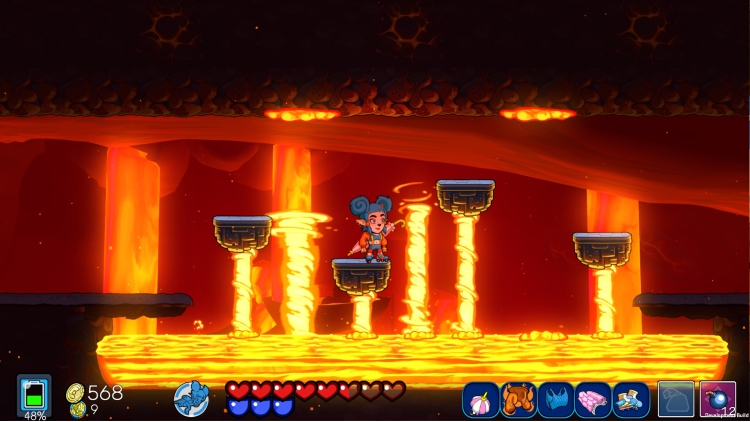
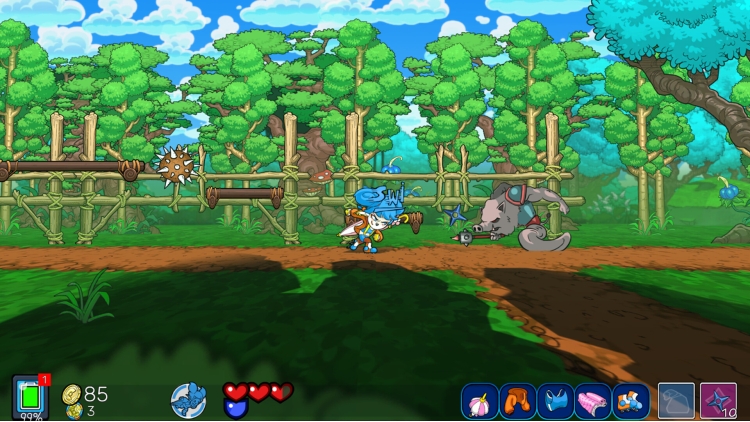
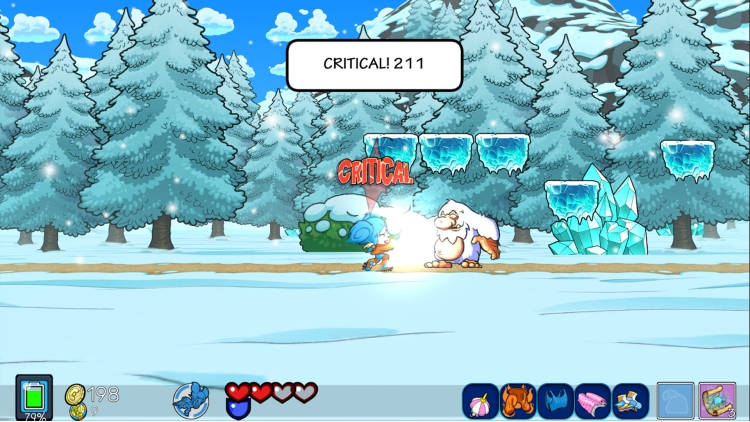
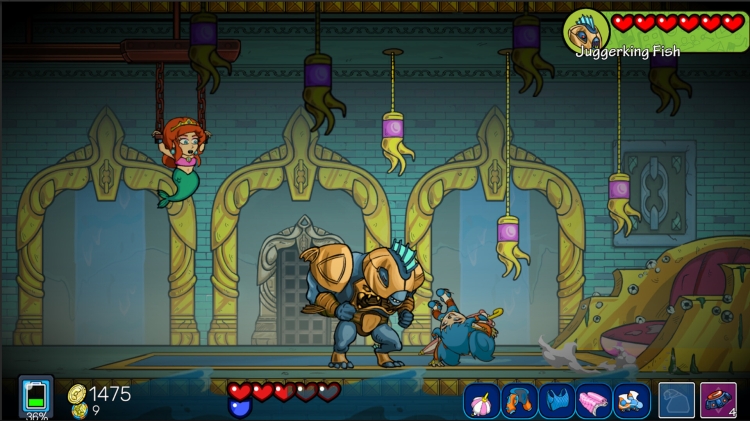
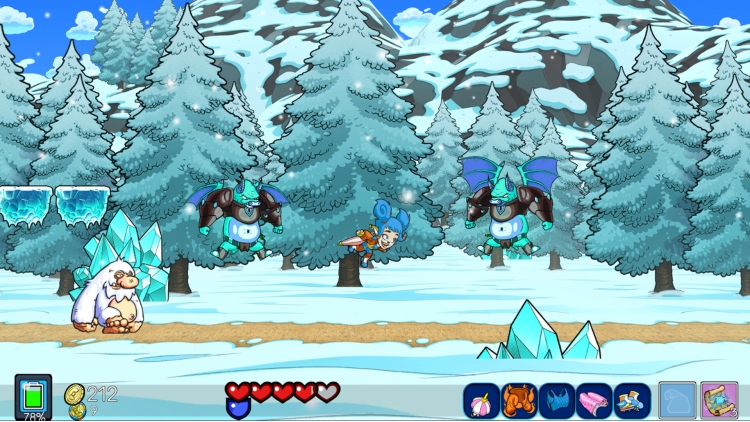
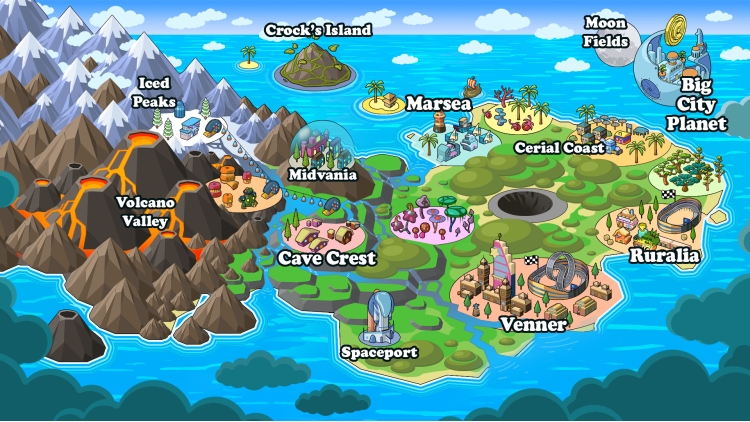
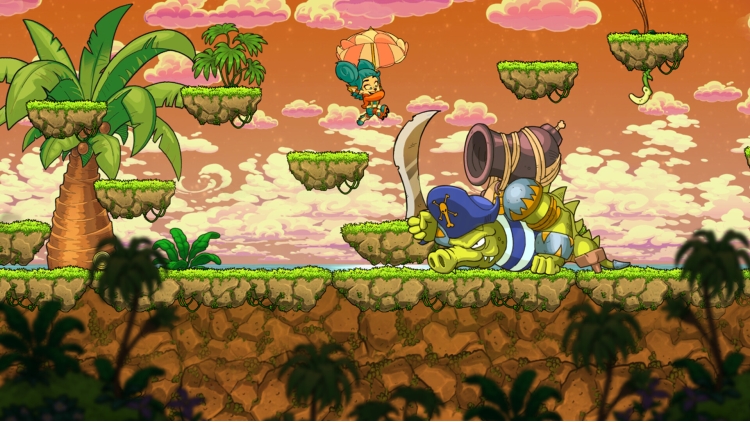
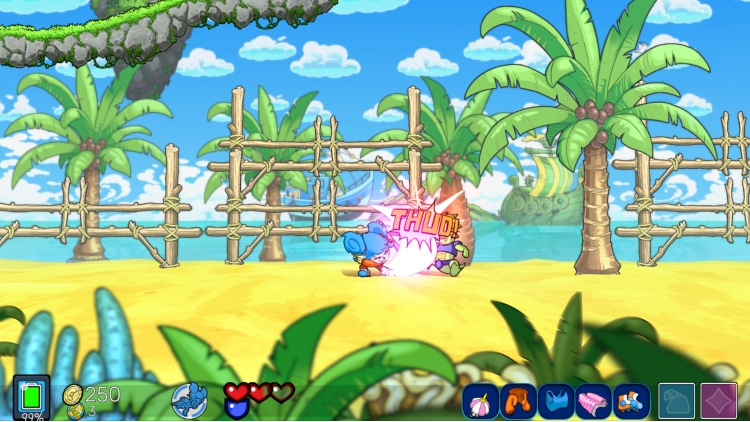
WELCOME TO THE NETWORK – THE WORLD’S FIRST SOCIAL MEDIA METROIDVANIA
Explore. Fight. Post.
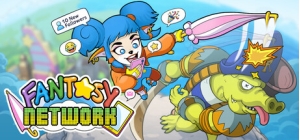
Fantasy Network turns the metroidvania genre upside down, combining tight 2D platforming with a satirical story about fame, influencers, and saving the world.
Lyn’s morning is officially ruined: her mother has been kidnapped! The ransom? Victory in the President’s Race.
To save her family, Lyn must win vicious talent shows, honing her skills to a razor's edge. Travel through the colorful lands of Holua, battle bizarre enemies, make friends across her journey, and dig up the ancient truth buried beneath the world’s shiny surface.
HELP LYN FULFILL HER MISSION IN A COLORFUL, HAND-DRAWN ACTION ADVENTURE!
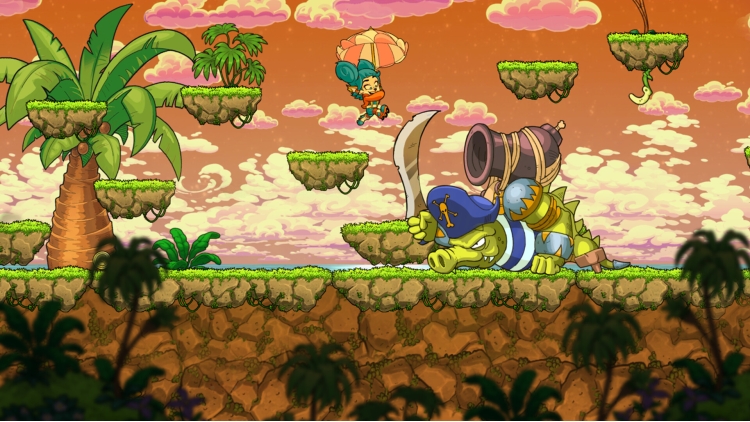
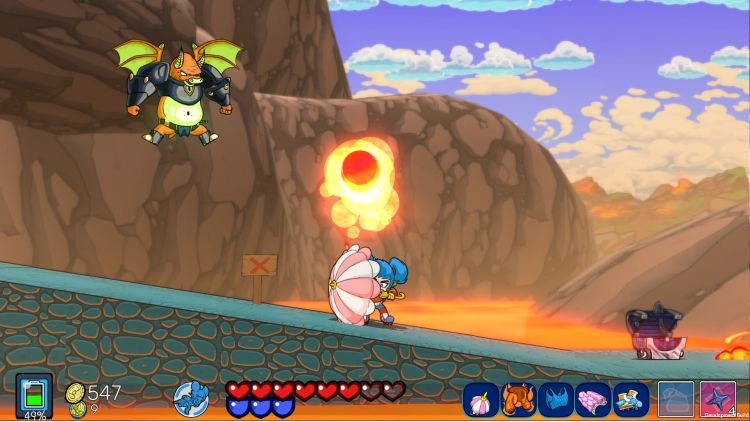
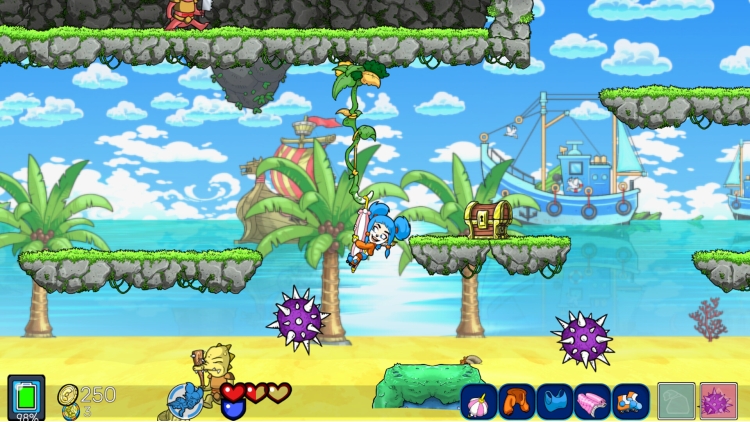
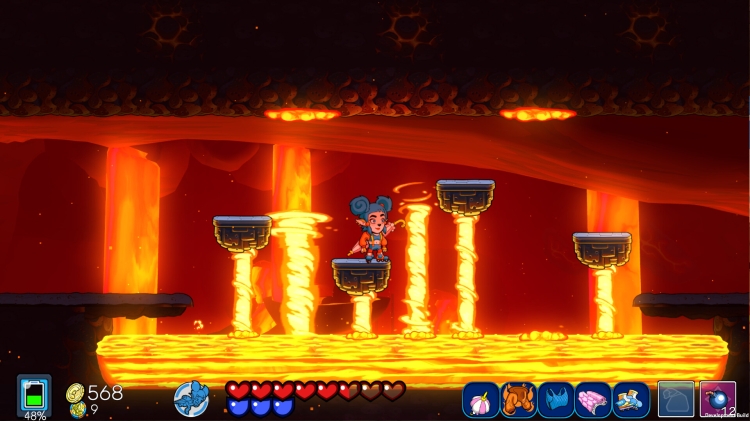
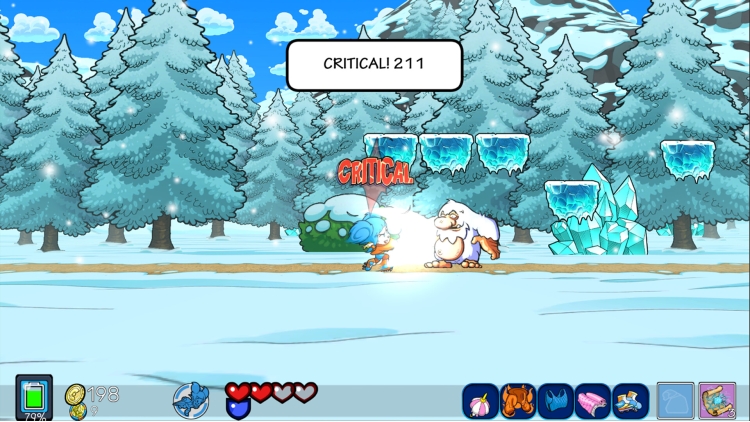
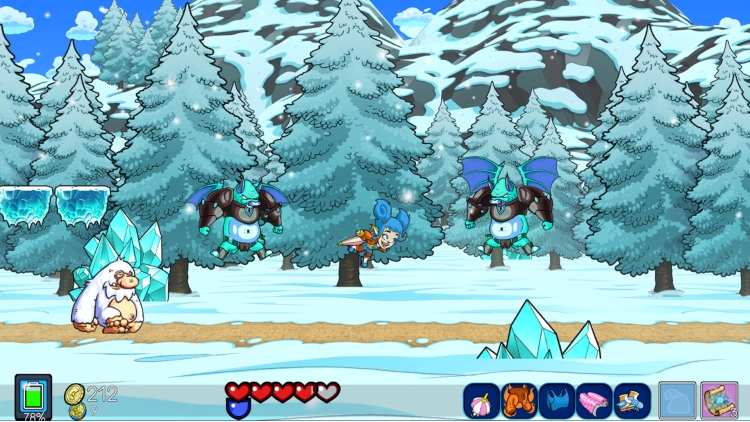
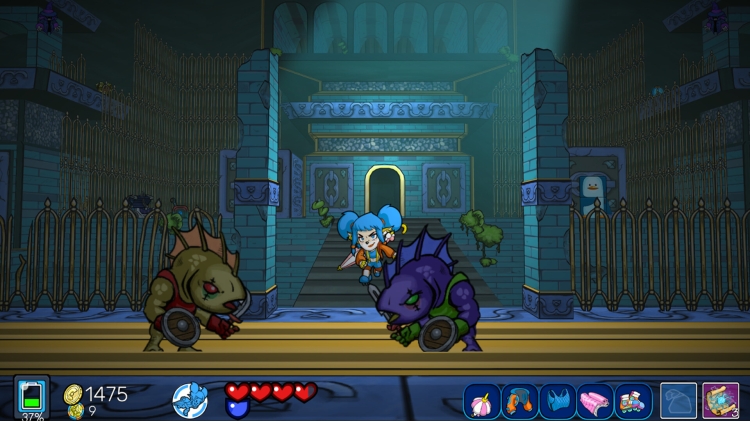
Interconnected map filled with hidden shortcuts, secret zones, and eccentric NPCs. Explore evocative environments ranging from sunny beaches and scorching volcanoes to freezing glaciers and ancient temples- you’ll even blast off into cosmic space!
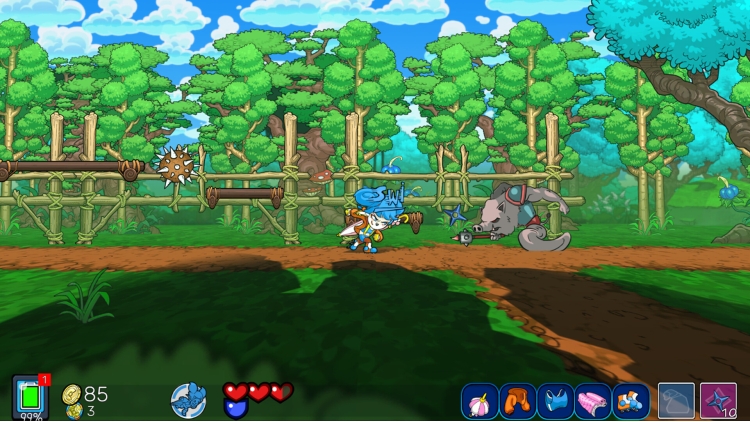
Enjoy a challenging gameplay loaded with action with jumps, double-jumps, somersaults, and rapid dashes in its platformer levels.
Take on a colorful variety of enemies using your umbrella. Switch between its various configurations to adapt to any threat.
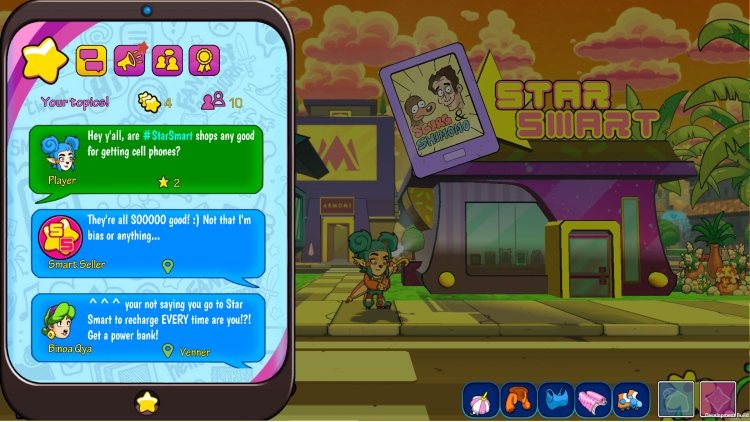
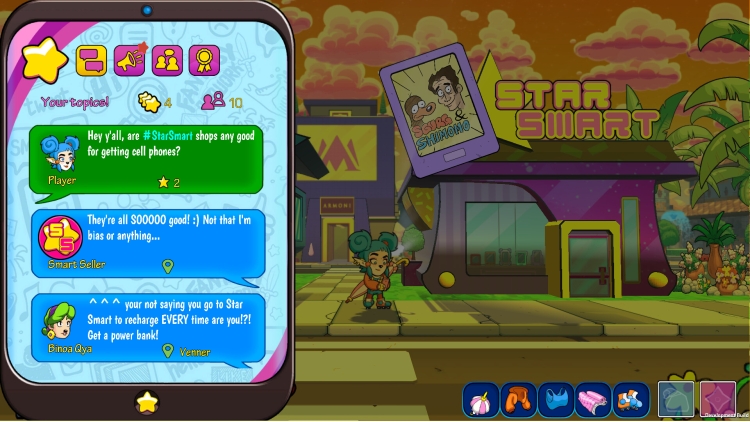
Keep in constant touch with Holua's citizens via social apps. Chat for intel, post photos of your adventures, and gather likes to grow your fan base.
Collect Crebits (the world's electronic currency) to buy new equipment, download essential smartphone apps, and purchase travel tickets to enjoy city attractions.
It’s not just about fighting- compete in cooking, racing, gaming, dance, and fashion talent shows. Win them all to become the new President of Holua!
Dive into side quests to piece together the complete history of Holua and reveal the incredible secret that its inhabitants are completely unaware of.
Need a break from adventuring? Chill out with four playable retro pixel-art arcade games or just hang out with the locals.
This isn't just a fantasy game. It's a colorful, glitchy, hilarious critique of the screen you're looking at right now.
© 2026 Raven Travel Studios. Published by IMGN.PRO. All rights reserved. All trademarks are property of their respective owners.
Buy Fantasy Network PC game code quickly and safely at the best prices guaranteed via the official retailer uk.etail.market
© 2026 Raven Travel Studios. Published by IMGN.PRO. All rights reserved. All trademarks are property of their respective owners.
1)
Download & install the Steam client on your
computer from here.
2)
Open the Steam client, register and login. Then,
locate the Games tab on the top menu. Click that and select “Activate a Product
on Steam..”

3)
Enter your code that is showed on the orders page
of eTail. Market and and follow the steps showed to activate your game.

4)
The game can be monitored now and you can see it
on the "Library" section on Steam. You can download and install the
game now.
5)
If you need more information and support, you
can click here: https://help.steampowered.com/en/wizard/HelpWithSteam
 91%
Add To Cart
91%
Add To Cart
 70%
Add To Cart
70%
Add To Cart
 0%
Add To Cart
0%
Add To Cart
 15%
Add To Cart
15%
Add To Cart
 15%
Out of Stock
15%
Out of Stock
 90%
Add To Cart
90%
Add To Cart
 91%
Add To Cart
91%
Add To Cart