

NASCAR Heat 4 Gold Edition
15%


 Out of Stock
 Add To Cart

*This product is in the Season Pass. Please be careful not to buy duplicates.
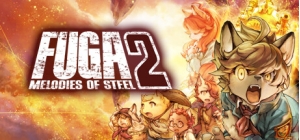
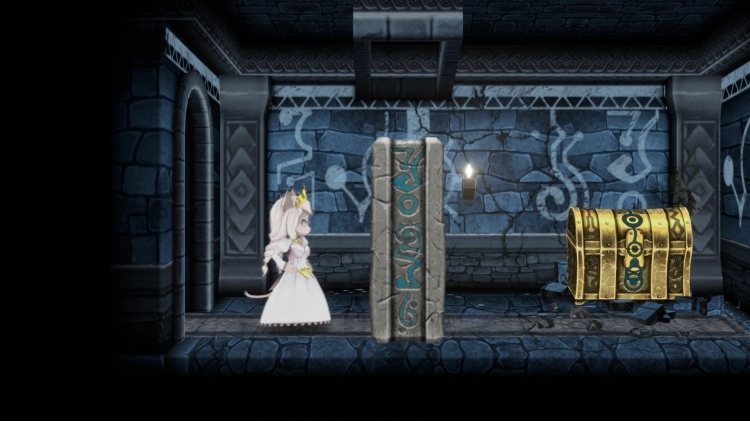
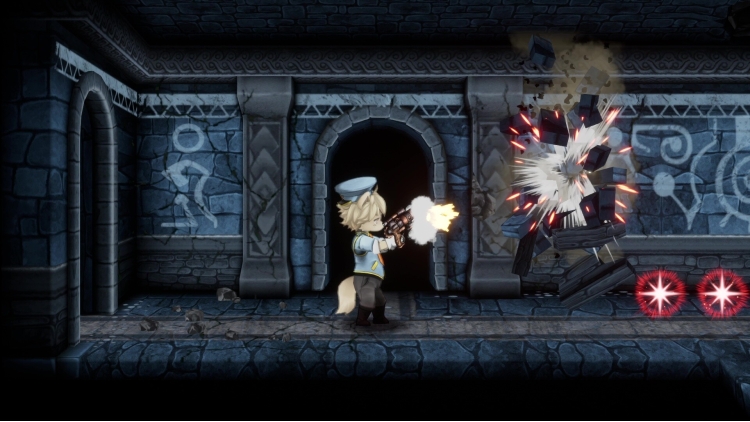
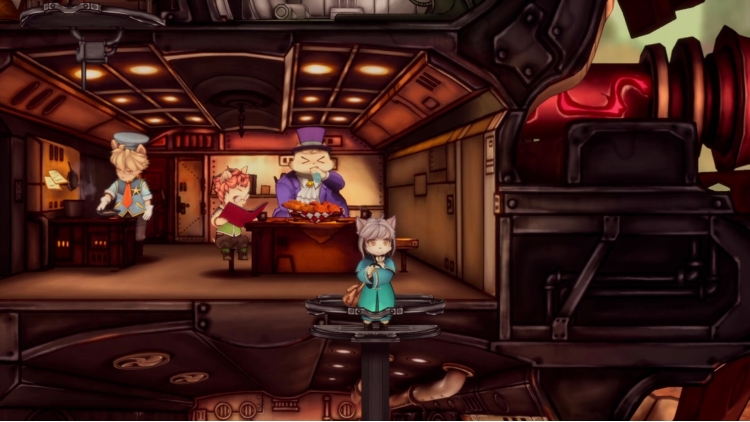
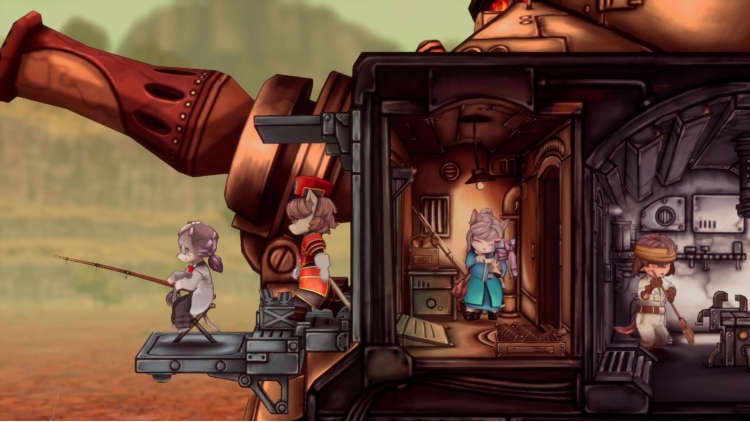
This costume pack features the 12 children in police officer and sky pirate attire.
You can modify what the children are wearing under "Costumes" in the Options menu.
Contents:
Tail Concerto costumes for Malt, Mei, Kyle, Boron, Socks, Chick, Hack, Sheena, Jin, Wappa, Britz, and Vanilla (can be used during intermission and expedition)
Buy Fuga: Melodies of Steel 2 - Tail Concerto Costume Pack PC game code quickly and safely at the best prices guaranteed via the official retailer uk.etail.market
1)
Download & install the Steam client on your
computer from here.
2)
Open the Steam client, register and login. Then,
locate the Games tab on the top menu. Click that and select “Activate a Product
on Steam..”

3)
Enter your code that is showed on the orders page
of eTail. Market and and follow the steps showed to activate your game.

4)
The game can be monitored now and you can see it
on the "Library" section on Steam. You can download and install the
game now.
5)
If you need more information and support, you
can click here: https://help.steampowered.com/en/wizard/HelpWithSteam
 15%
Out of Stock
15%
Out of Stock
 Add To Cart
 30%
Add To Cart
30%
Add To Cart
 27%
Add To Cart
27%
Add To Cart
 27%
Add To Cart
27%
Add To Cart
 15%
Add To Cart
15%
Add To Cart
 0%
Add To Cart
0%
Add To Cart
 21%
Add To Cart
21%
Add To Cart
 19%
Add To Cart
19%
Add To Cart
