


NASCAR Heat 4 Gold Edition
15%


 Out of Stock

 Out of Stock
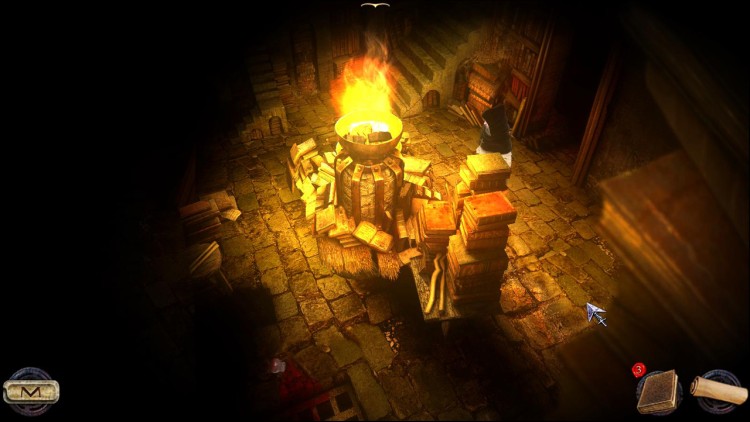

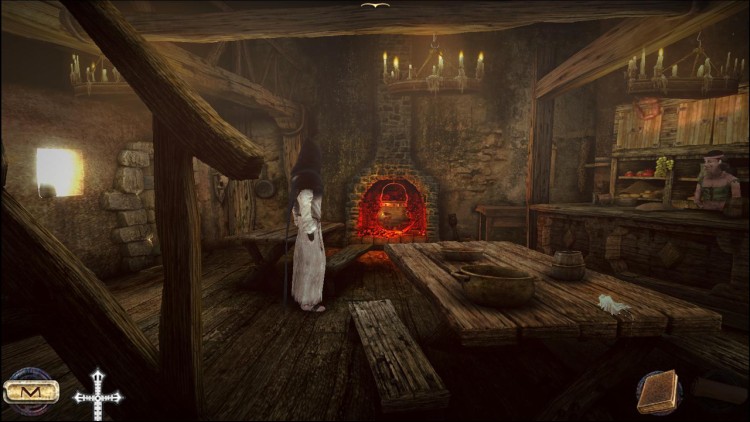










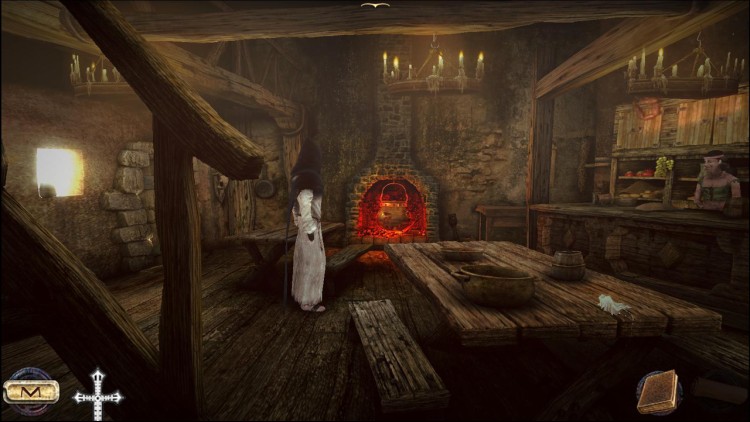

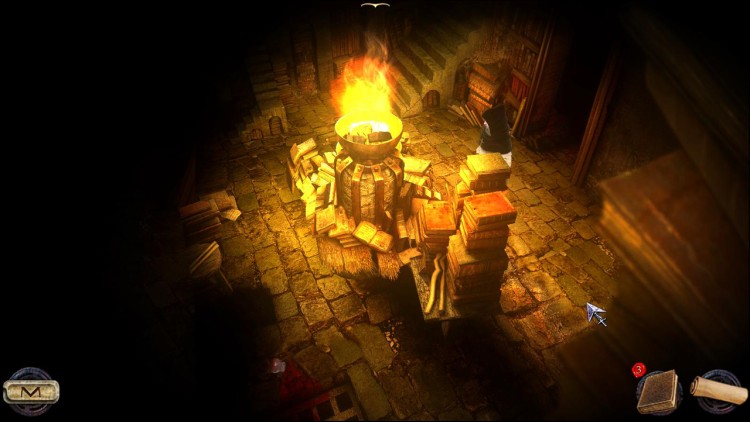




A will of steel, a heart of stone, intelligence as sharp as a knife, and wisdom as deep as oblivion.
Eymerich is called upon to investigate an obscure case. Something that goes way beyond heresy, revealing a new face of Evil. He must tackle a great number of arduous tasks and make many painful choices. Terrible creatures await him, but with his burning determination he will overcome a Plague that is deadlier than his worst possible nightmare.
Play a remorseless character to live an original story inspired by the famous novel of Valerio Evangelisti.
KEY POINTS:
Numerous unique riddles and environments rich in details
Numerous easter eggs to find
Sound effects immersives atmospheres and enchanting original musics
Voices in English, Italian
Texts in French, English, Italian, German, Spanish
BONUS:
Voices and texts in Latin for a best experience!
Divine's Help system to save player to get stuck
© 2014 Anuman Interactive, 2012-2014 Ticonblu Srl. Microids is a trademark of Anuman Interactive. All Rights reserved. Published by Anuman Interactive.
Buy Nicolas Eymerich - The Inquisitor - Book 1 : The Plague PC game code quickly and safely at the best prices guaranteed via the official retailer uk.etail.market
© 2014 Anuman Interactive, 2012-2014 Ticonblu Srl. Microids is a trademark of Anuman Interactive. All Rights reserved. Published by Anuman Interactive.
1)
Download & install the Steam client on your
computer from here.
2)
Open the Steam client, register and login. Then,
locate the Games tab on the top menu. Click that and select “Activate a Product
on Steam..”

3)
Enter your code that is showed on the orders page
of eTail. Market and and follow the steps showed to activate your game.

4)
The game can be monitored now and you can see it
on the "Library" section on Steam. You can download and install the
game now.
5)
If you need more information and support, you
can click here: https://help.steampowered.com/en/wizard/HelpWithSteam
 15%
Out of Stock
15%
Out of Stock
 15%
Add To Cart
15%
Add To Cart
 70%
Add To Cart
70%
Add To Cart
 0%
Add To Cart
0%
Add To Cart
 91%
Add To Cart
91%
Add To Cart
 90%
Add To Cart
90%
Add To Cart
 55%
Add To Cart
55%
Add To Cart
 27%
Add To Cart
27%
Add To Cart
 91%
Add To Cart
91%
Add To Cart
 32%
Add To Cart
32%
Add To Cart
