

NASCAR Heat 4 Gold Edition
15%


 Out of Stock
 Add To Cart

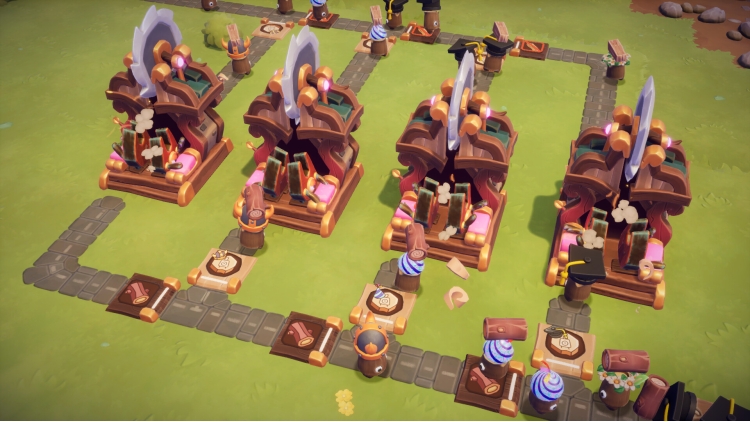
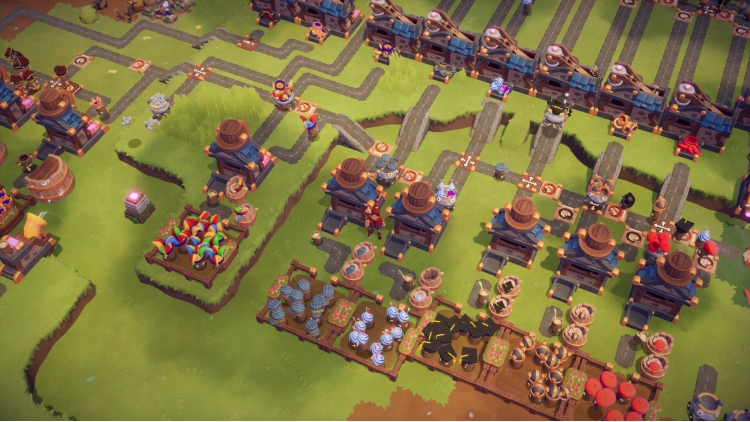
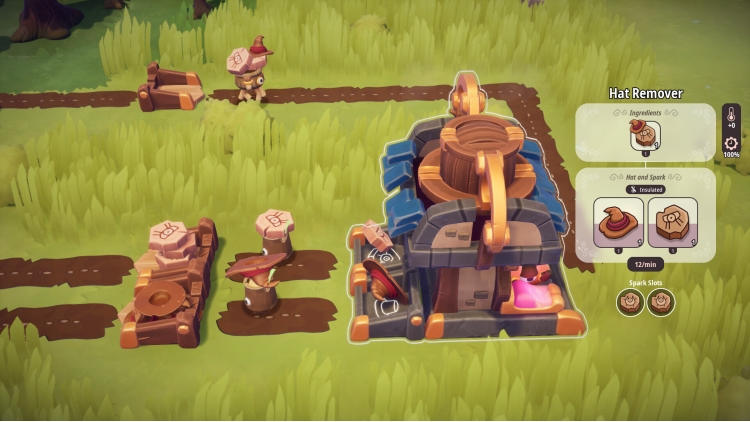
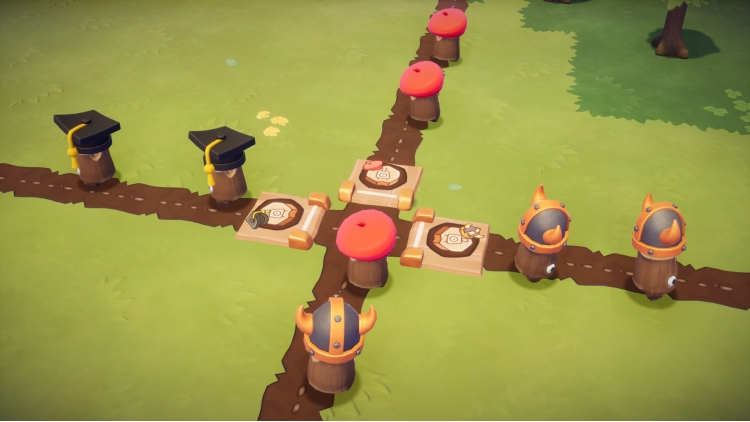
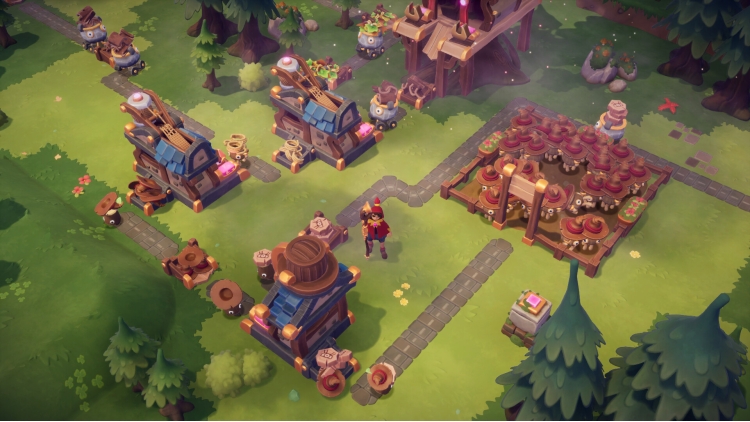
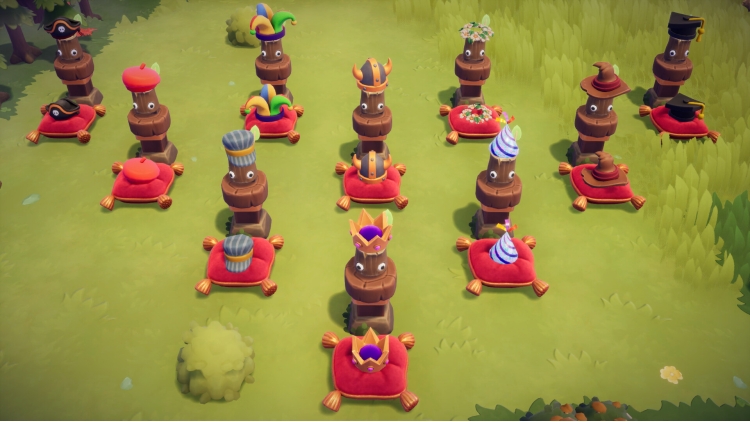
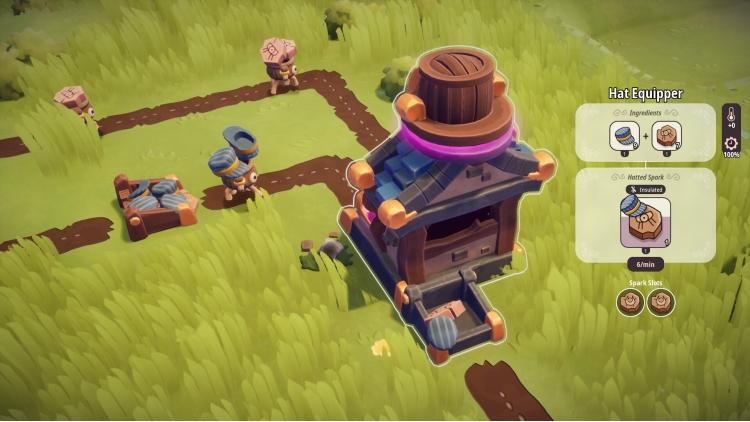
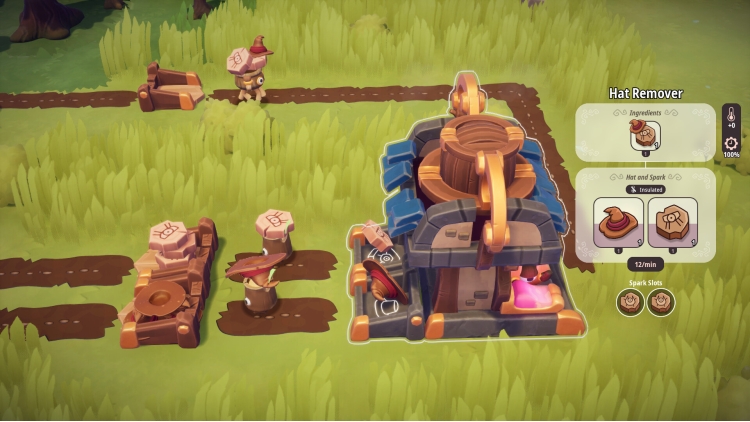
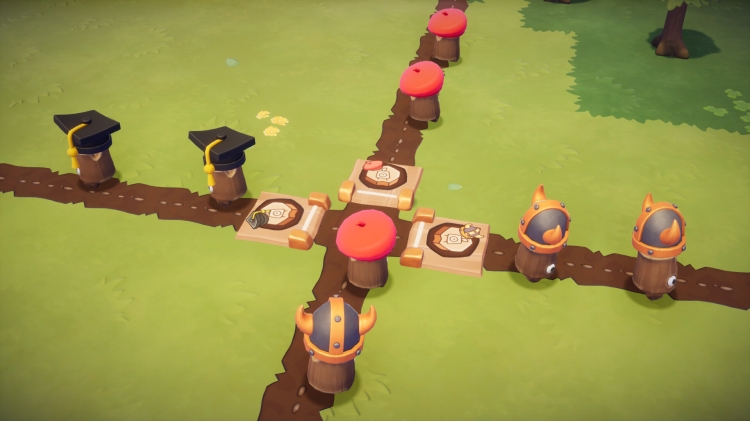
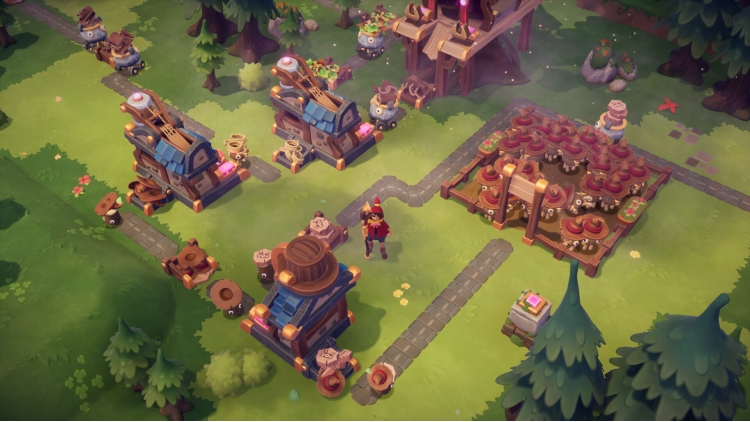
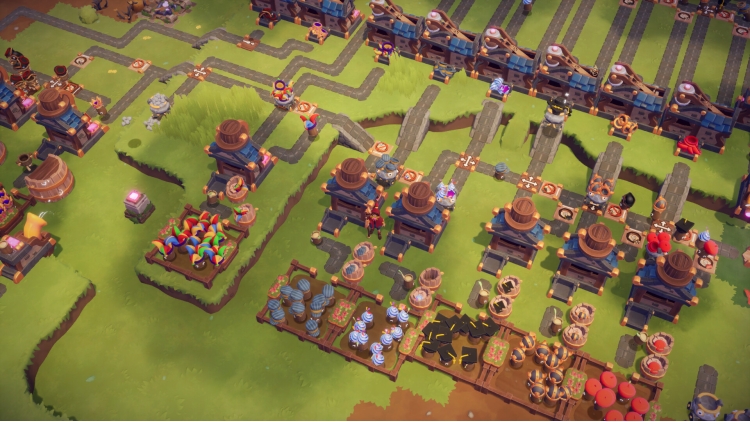
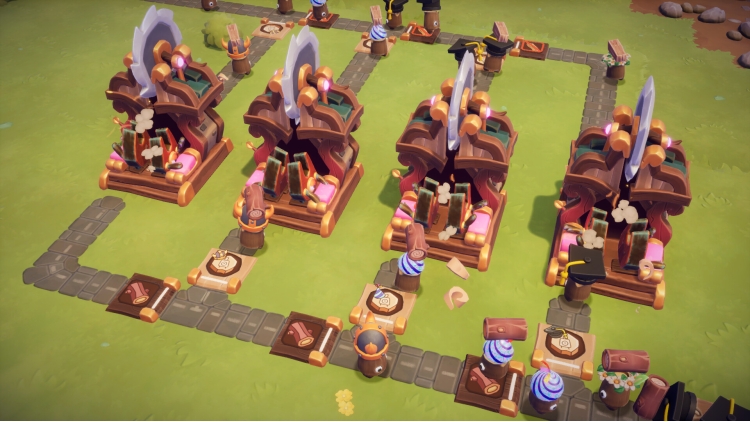
Ready to give your Sparks a fresh look and your factory a new level of control? The Hats & Helmets DLC for Oddsparks: An Automation Adventure is here! This playful yet powerful DLC lets you equip your Sparks with stylish headwear that's not just for show, it's a key to smarter automation. Create dedicated production lines by filtering your Sparks based on their hats, directing them to the right places to get the job done.
Automate. Accessorize. Categorize.
This DLC includes:
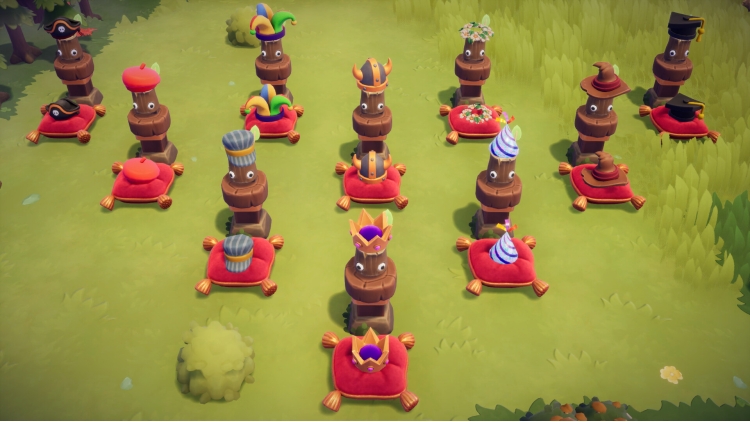
- 10 new, stylish Hats
- New Loom recipes to produce hats
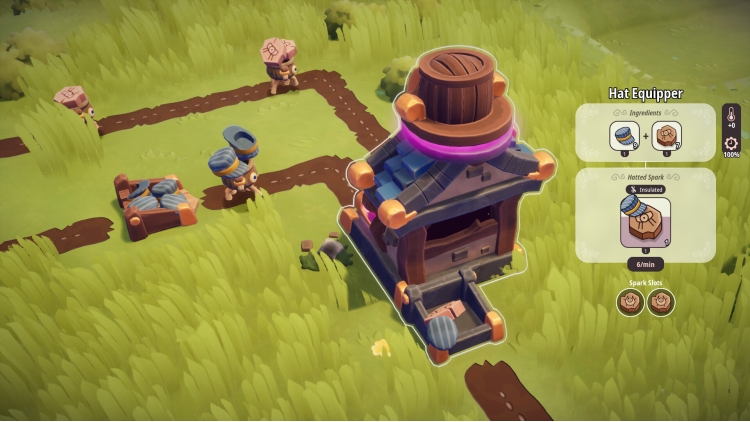
- 2 new workstations to equip and unequip hats
- New Tier 4 Woodsman-Quest Spark Clothing to unlock the recipes and workstations
Gear Up Your Sparks
Your Sparks are hard at work, and now they can do it in style! In addition to purchasing hats at the Tailor's, you can now manufacture them yourself on the loom. Equip your Sparks with any of the 10 new hats you've unlocked. Whether they're sporting a rugged helmet or a fancy Flower Crown, these accessories are a crucial part of your operation. Use the new workstations to add and remove hats as needed, giving you a new way to manage your crew.
Filter Your Factory Flow
You can precisely direct your Sparks' traffic. Set up a Spark Filter to only allow Sparks wearing a specific hat to pass, giving you a powerful tool to separate different kinds of Sparks on the same path. This new layer of control opens up endless possibilities for optimizing your factory layouts and streamlining your production lines. It's time to build, automate, and accessorize your way to success!
© 2025 THQ Nordic AB Sweden. Developed by Massive Miniteam, Germany. Published by www.Handy-Games.com GmbH, Germany. Oddsparks, THQ, THQ Nordic, HandyGames, and their respective logos are trademarks and/or registered trademarks of THQ Nordic AB. All rights reserved. All other brands, product names, and logos are trademarks or registered trademarks of their respective owners.
Buy Oddsparks: An Automation Adventure - Hats & Helmets PC game code quickly and safely at the best prices guaranteed via the official retailer uk.etail.market
© 2025 THQ Nordic AB Sweden. Developed by Massive Miniteam, Germany. Published by www.Handy-Games.com GmbH, Germany. Oddsparks, THQ, THQ Nordic, HandyGames, and their respective logos are trademarks and/or registered trademarks of THQ Nordic AB. All rights reserved. All other brands, product names, and logos are trademarks or registered trademarks of their respective owners.
1)
Download & install the Steam client on your
computer from here.
2)
Open the Steam client, register and login. Then,
locate the Games tab on the top menu. Click that and select “Activate a Product
on Steam..”

3)
Enter your code that is showed on the orders page
of eTail. Market and and follow the steps showed to activate your game.

4)
The game can be monitored now and you can see it
on the "Library" section on Steam. You can download and install the
game now.
5)
If you need more information and support, you
can click here: https://help.steampowered.com/en/wizard/HelpWithSteam
 15%
Out of Stock
15%
Out of Stock
 70%
Add To Cart
70%
Add To Cart
 90%
Add To Cart
90%
Add To Cart
 91%
Add To Cart
91%
Add To Cart
 15%
Add To Cart
15%
Add To Cart
 55%
Add To Cart
55%
Add To Cart
 0%
Add To Cart
0%
Add To Cart
 91%
Add To Cart
91%
Add To Cart