

Kill it with Fire
15%


 Add To Cart

 Add To Cart

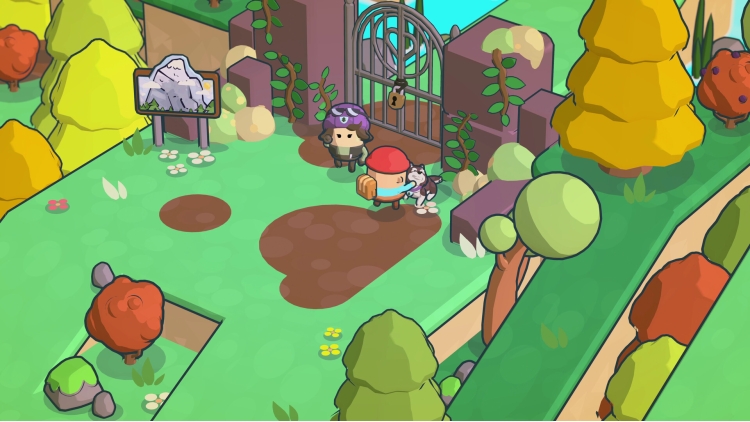
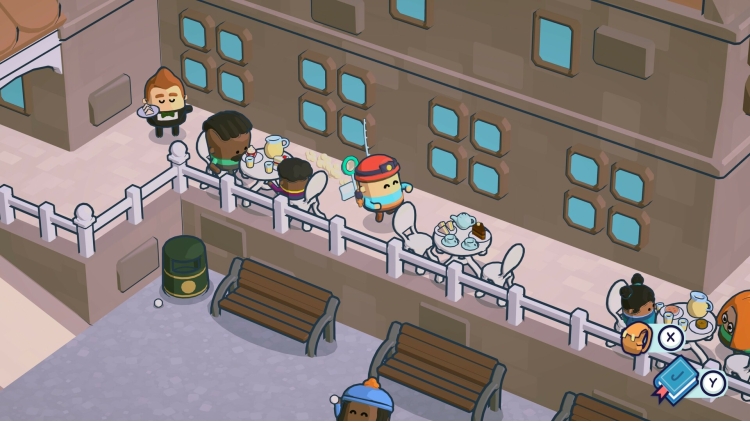
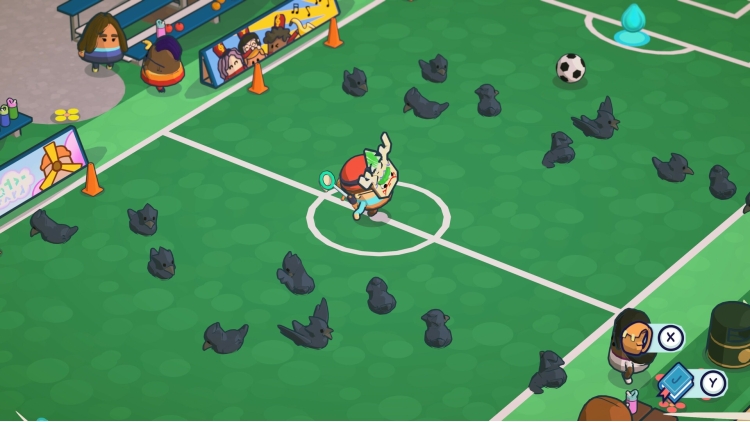
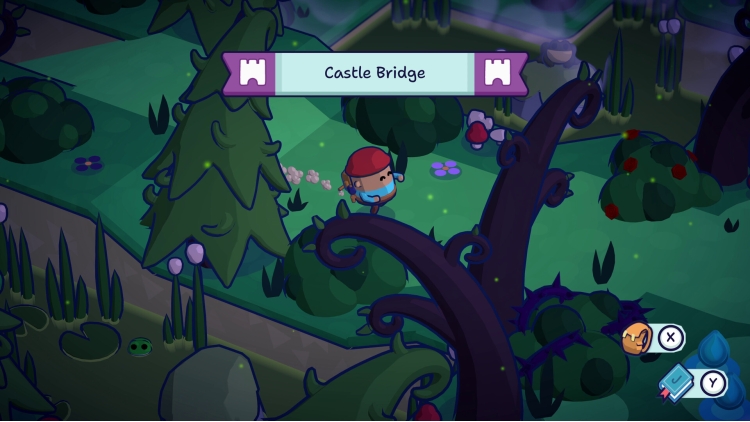
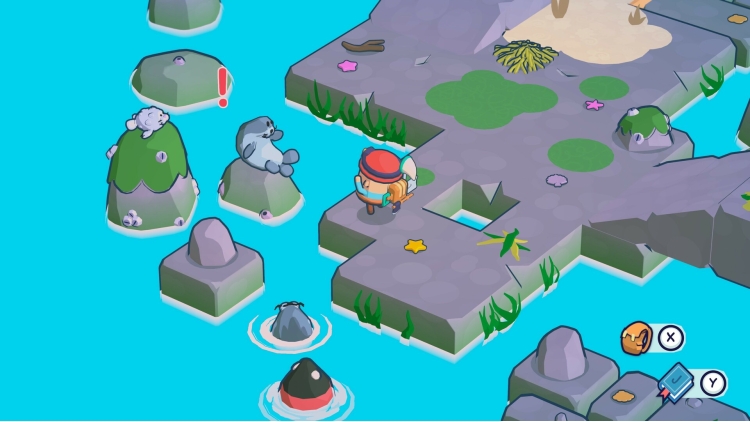

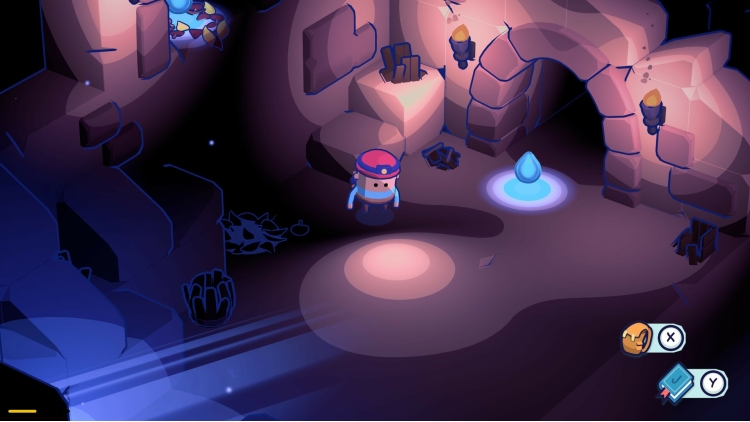
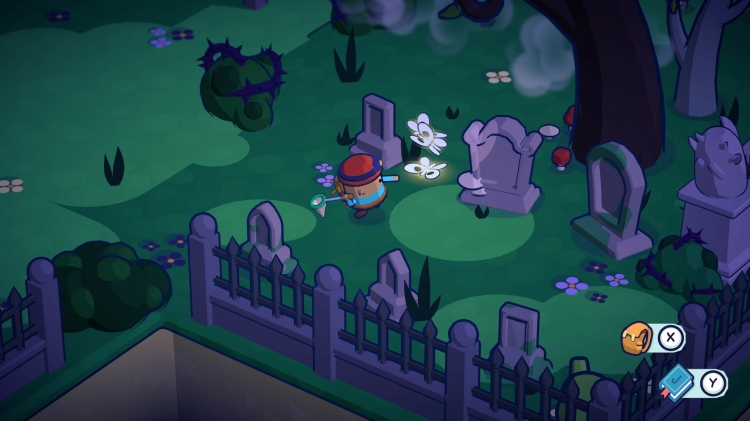


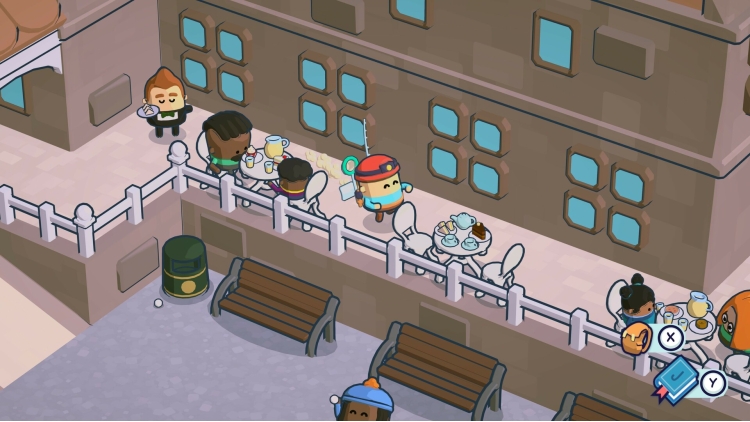
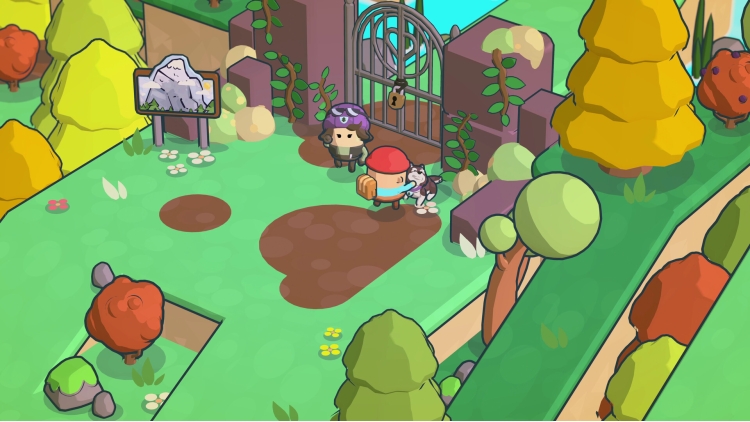
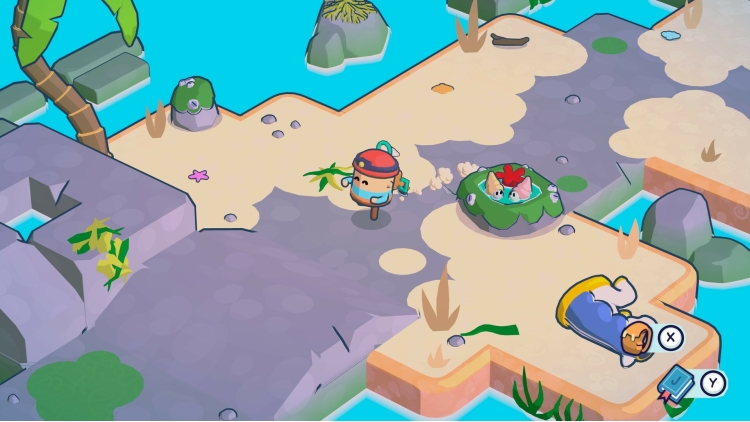
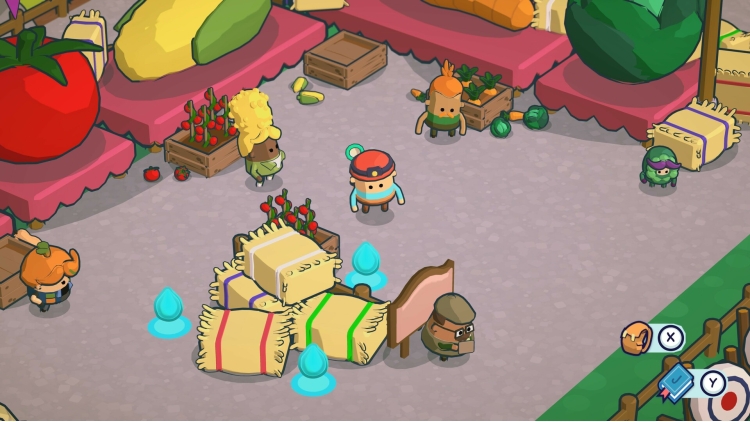
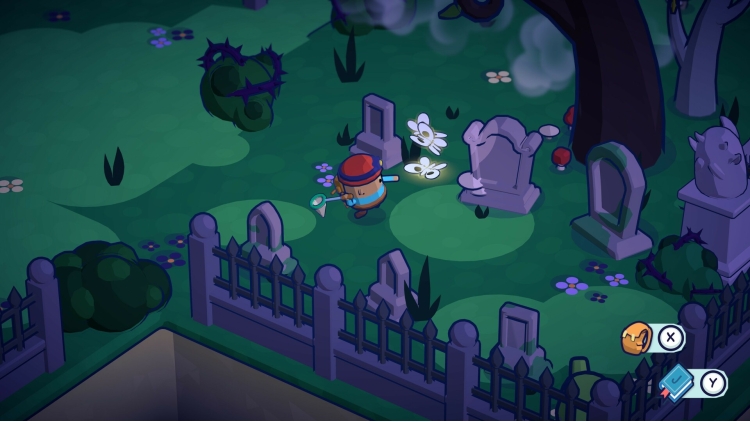
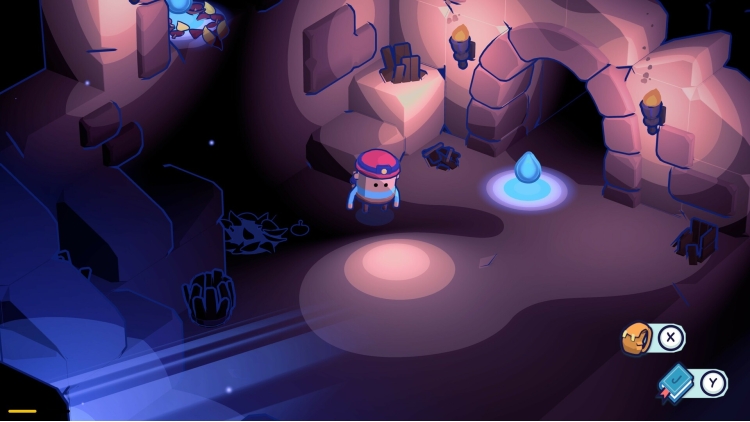
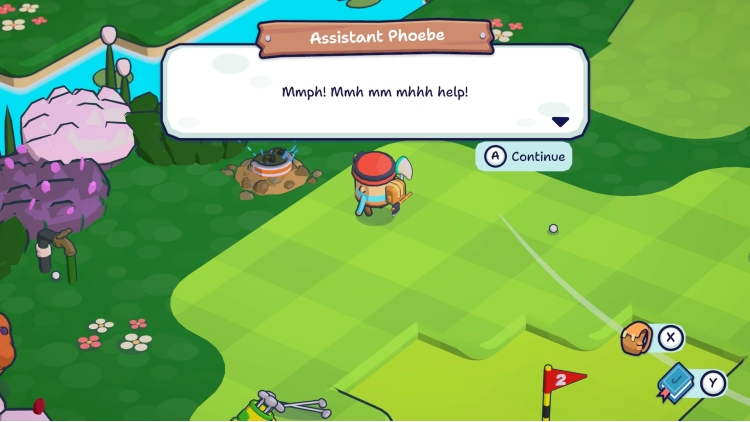
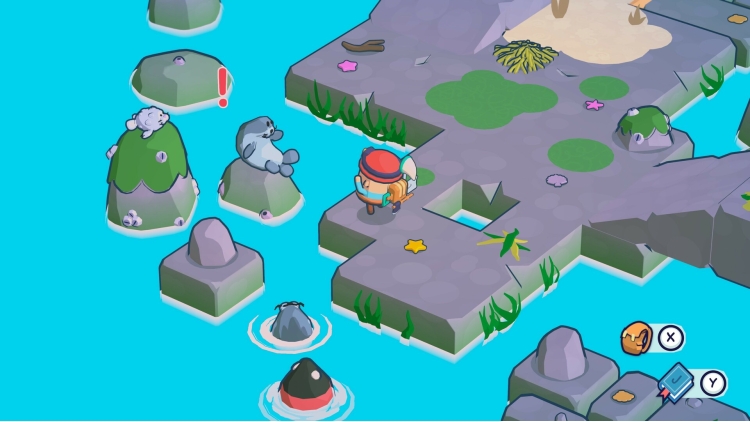

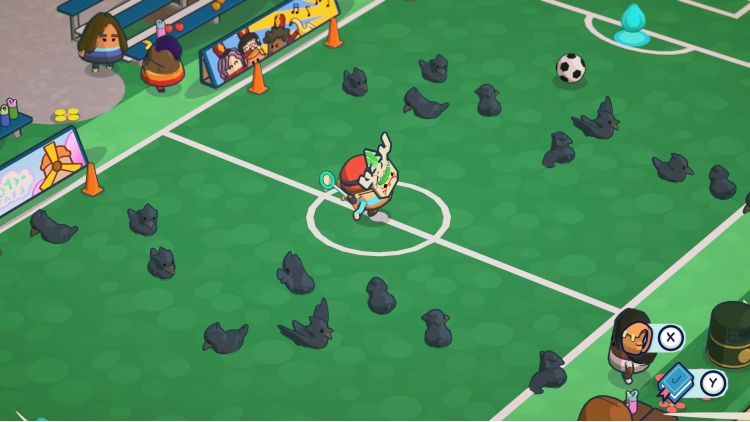
Welcome to Pine Hearts Caravan Park! As Tyke, hop into your hiking boots and explore the paths and rivers of this cosy little world. Rummage around the park and find handy tools that will help you on your journey as you fill out your trusty hillwalking journal. Rediscover memories of Tyke's time in the park many summers ago and unearth the heartfelt story of his childhood.
Buy Pine Hearts PC game code quickly and safely at the best prices guaranteed via the official retailer uk.etail.market
Pine Hearts © 2024 Hyper Luminal Games Ltd®. Published by Secret Mode Limited.Developed by Hyper Luminal Games Ltd®. Hyper Luminal Games, Pine Hearts, and Little Nook are trademarks of Hyper Luminal Games Ltd and may be registered trademarks in certain countries. All rights reserved.SECRET MODE, the SECRET MODE logos and the crossed keys GLHF logo are registered trade marks of Secret Mode Limited
1)
Download & install the Steam client on your
computer from here.
2)
Open the Steam client, register and login. Then,
locate the Games tab on the top menu. Click that and select “Activate a Product
on Steam..”

3)
Enter your code that is showed on the orders page
of eTail. Market and and follow the steps showed to activate your game.

4)
The game can be monitored now and you can see it
on the "Library" section on Steam. You can download and install the
game now.
5)
If you need more information and support, you
can click here: https://help.steampowered.com/en/wizard/HelpWithSteam
 15%
Add To Cart
15%
Add To Cart
 54%
Add To Cart
54%
Add To Cart
 70%
Add To Cart
70%
Add To Cart
 0%
Add To Cart
0%
Add To Cart
 90%
Add To Cart
90%
Add To Cart
 91%
Add To Cart
91%
Add To Cart
 91%
Add To Cart
91%
Add To Cart
 15%
Out of Stock
15%
Out of Stock