


Elite Dangerous: Odyssey Deluxe Edition
0%


 Add To Cart
 Add To Cart
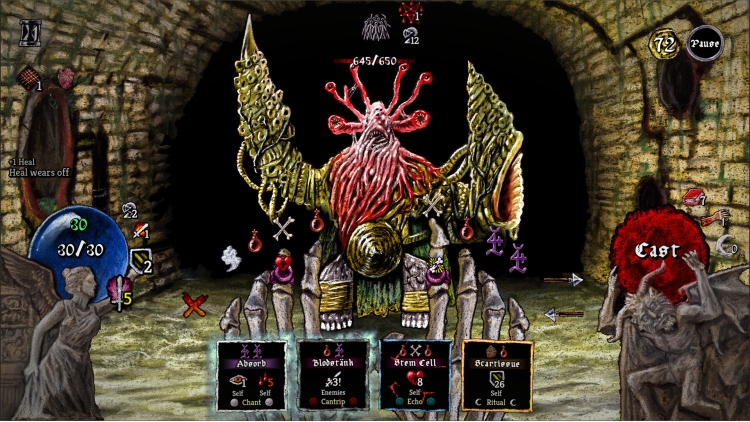
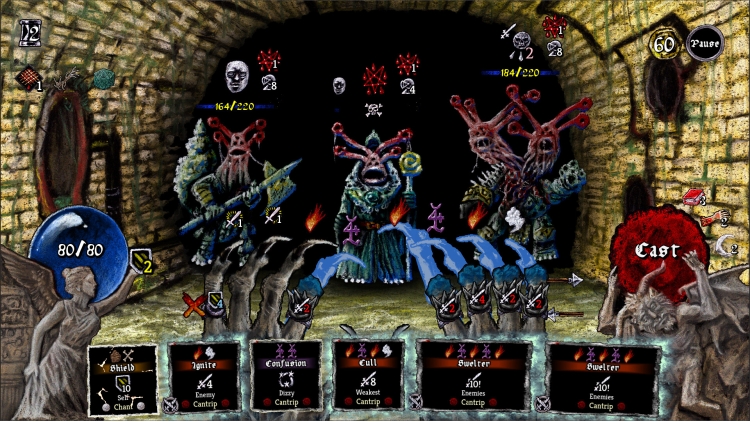
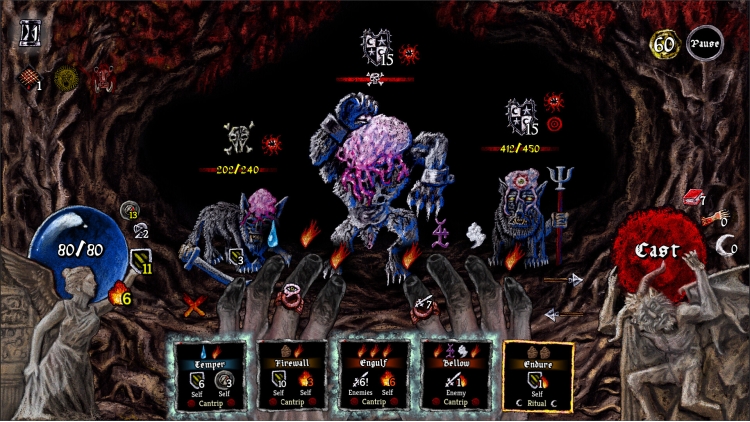
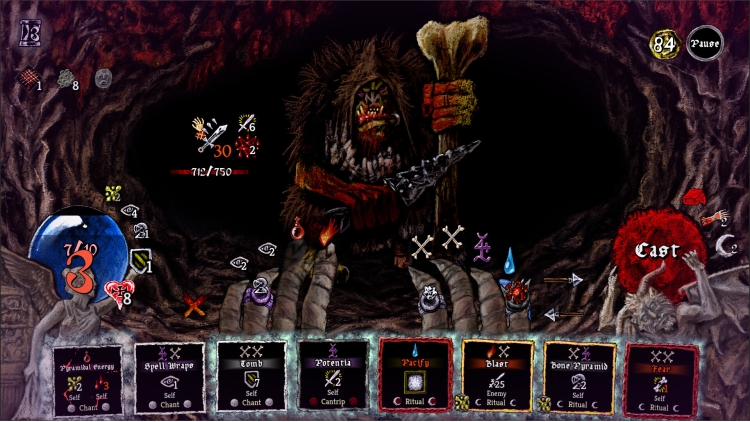
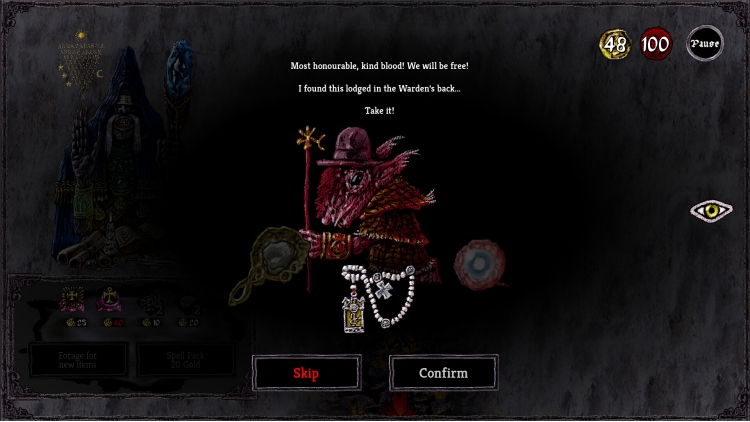
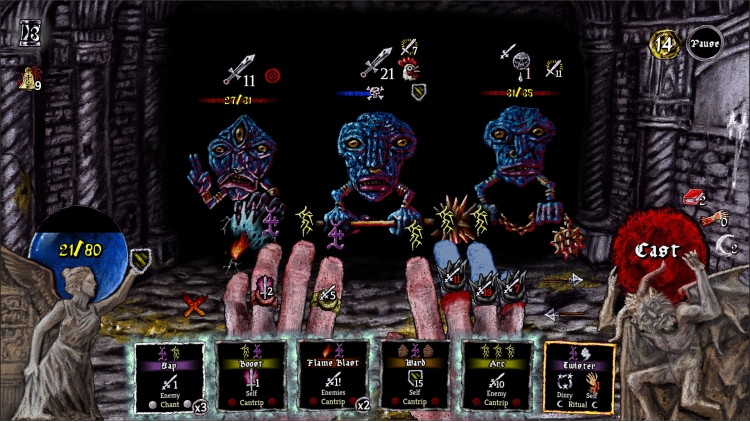
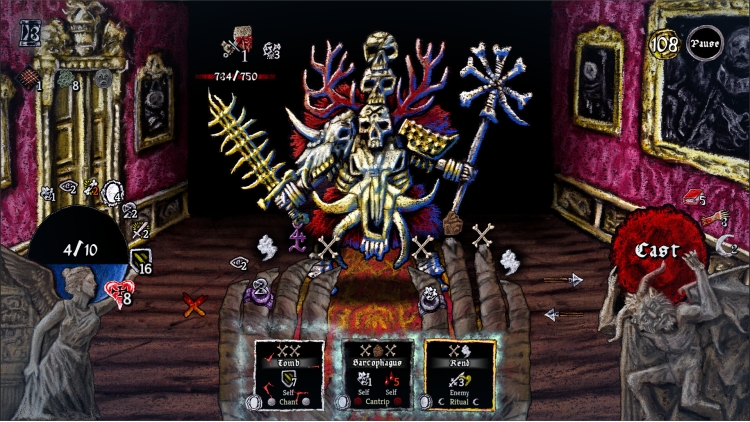
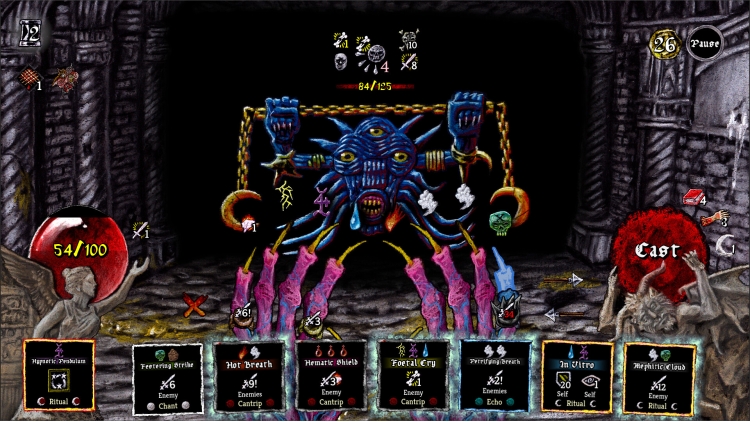
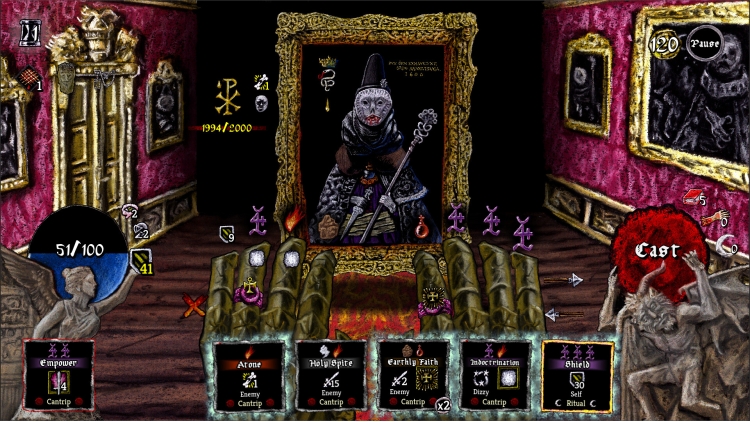
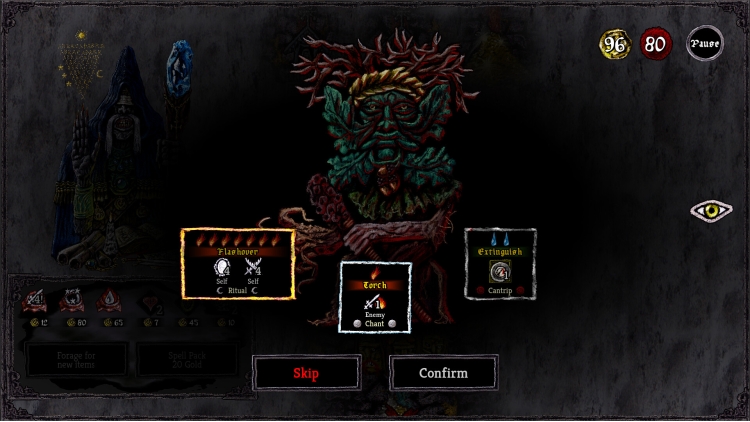
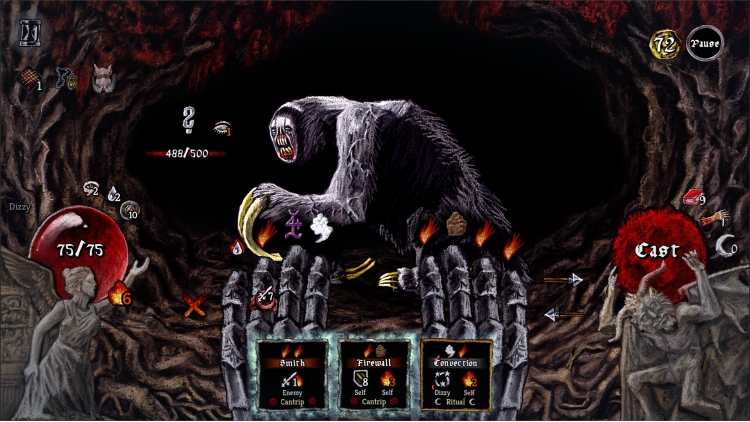
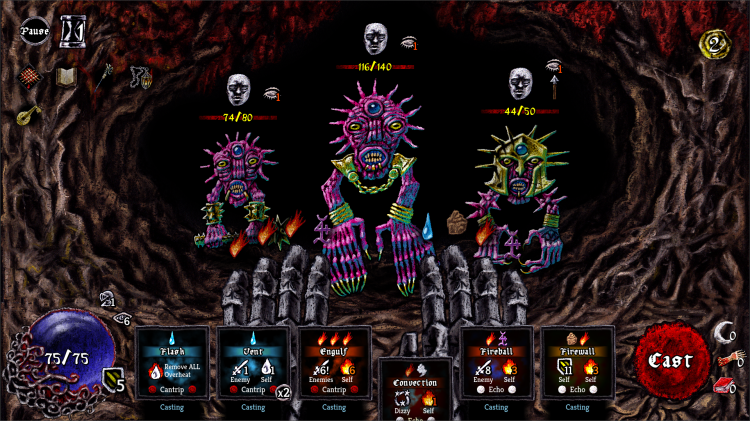
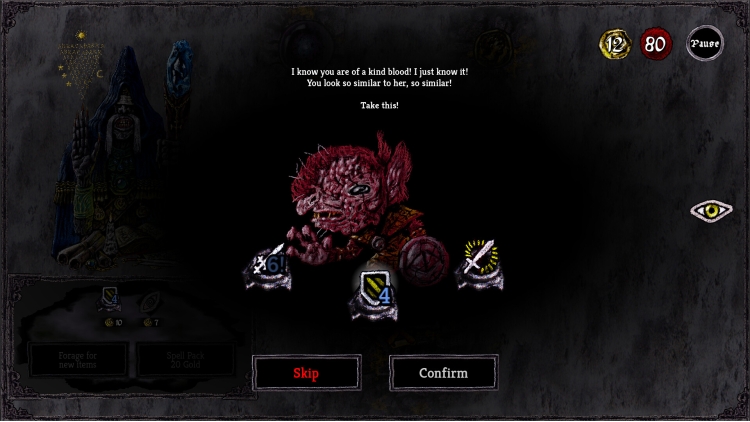
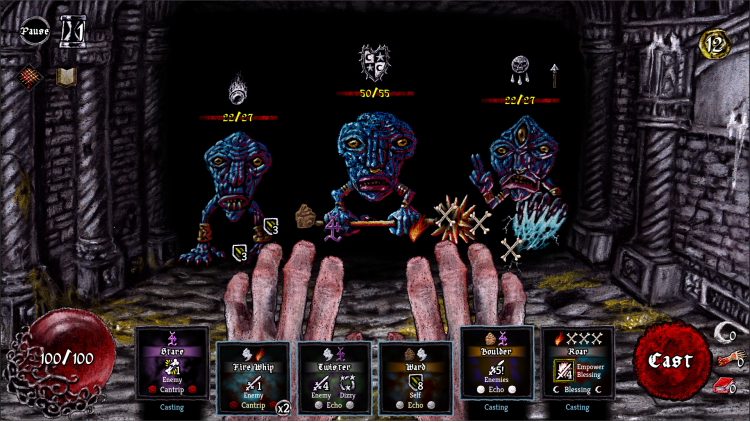
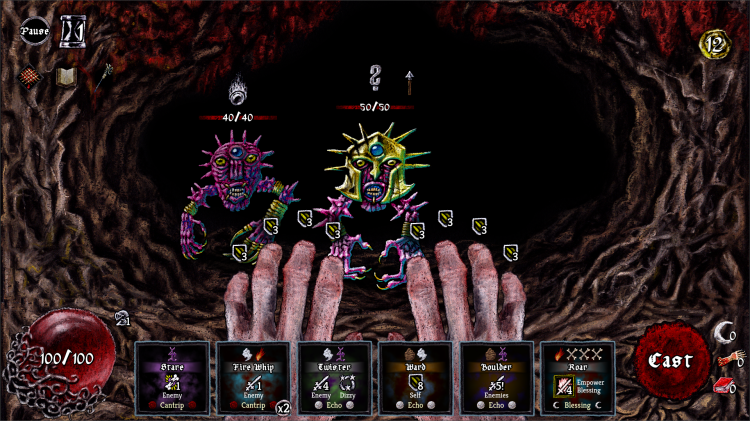
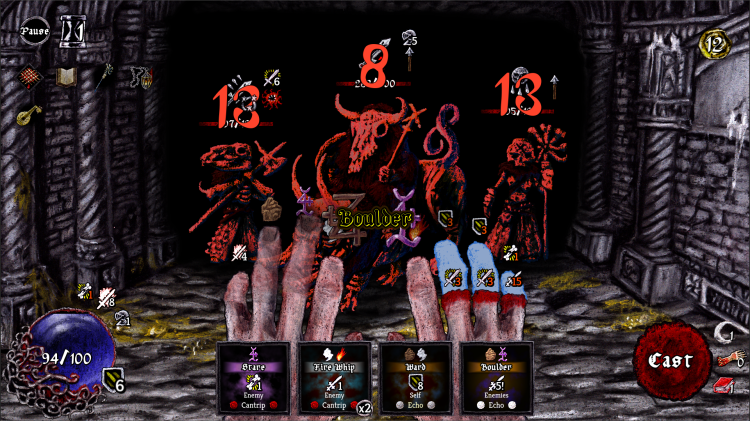
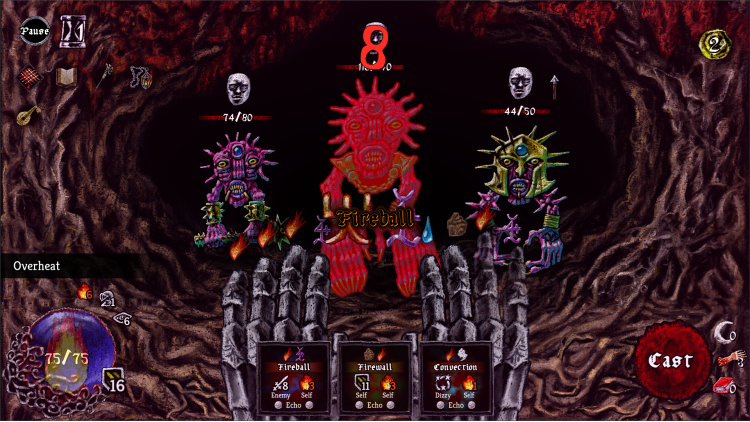
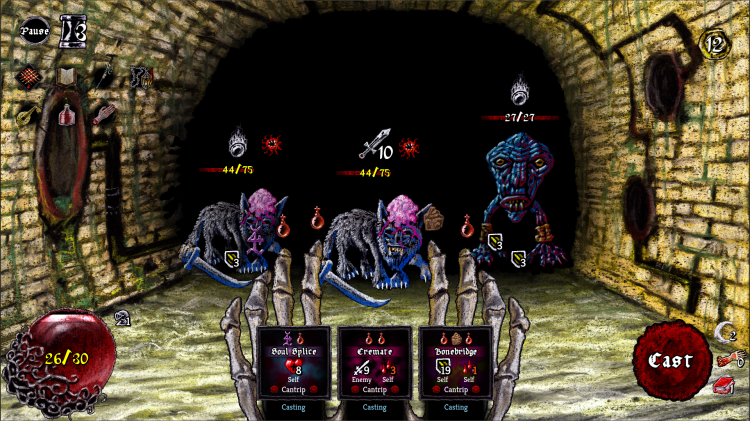
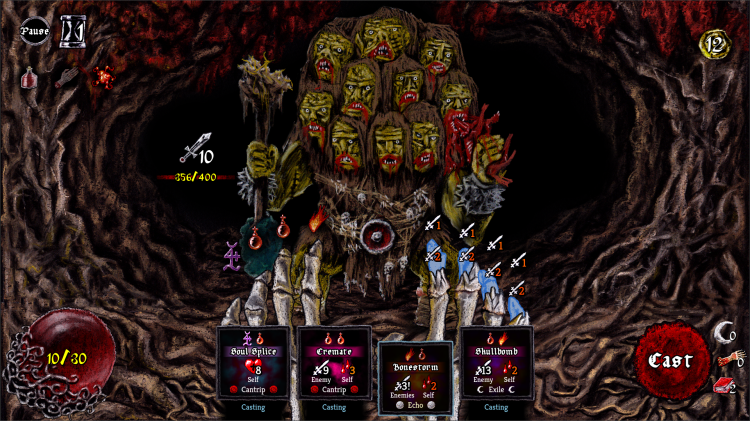
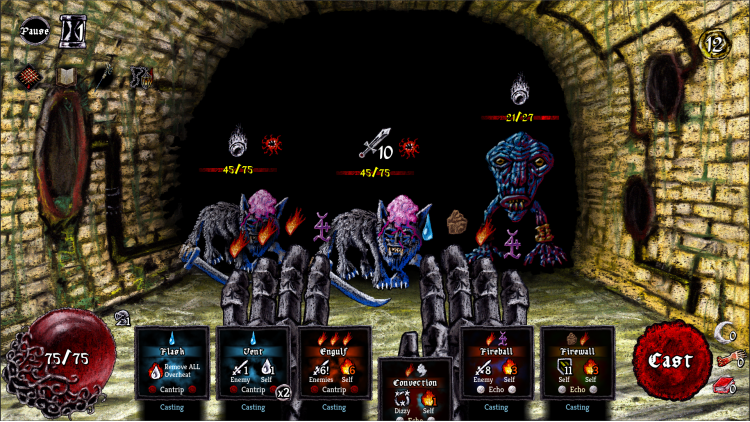
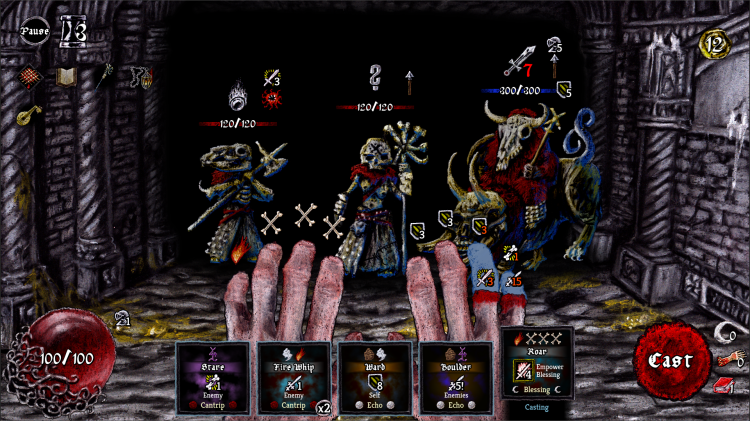
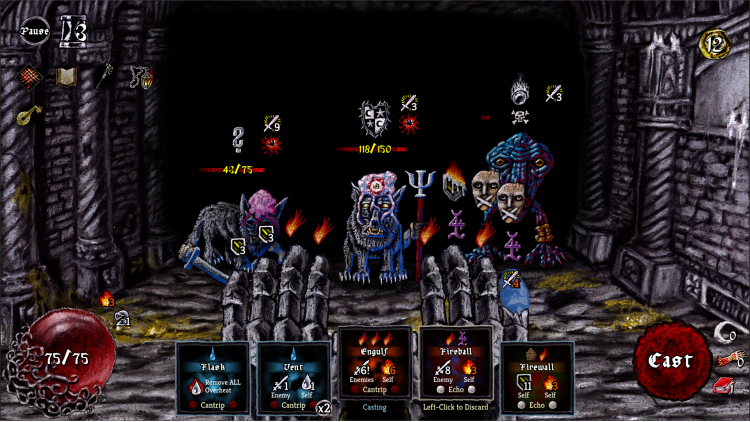
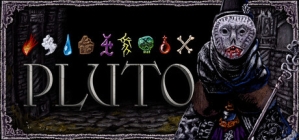
A roguelike deckbuilder where you fight with your fingers, spill some blood, and try to make it to your niece’s birthday on time.
You’re a wizard. A not-so-heroic wizard imprisoned for wizard crime, awoken from your wizard slumber by an invitation from your niece. Escape from jail and traverse a hostile world crawling with danger. Every turn is a frenzy of spell sigils, cracking bones, and desperate gestures as you shred through monstrosities with raw elemental power.
You’re not the chosen one, you’re just trying to be a good uncle.
KEY FEATURES
Buy Pluto PC game code quickly and safely at the best prices guaranteed via the official retailer uk.etail.market
© Siege Wizard Interactive & Freedom Games - All Rights Reserved
1)
Download & install the Steam client on your
computer from here.
2)
Open the Steam client, register and login. Then,
locate the Games tab on the top menu. Click that and select “Activate a Product
on Steam..”

3)
Enter your code that is showed on the orders page
of eTail. Market and and follow the steps showed to activate your game.

4)
The game can be monitored now and you can see it
on the "Library" section on Steam. You can download and install the
game now.
5)
If you need more information and support, you
can click here: https://help.steampowered.com/en/wizard/HelpWithSteam
 0%
Add To Cart
0%
Add To Cart
 91%
Add To Cart
91%
Add To Cart
 15%
Add To Cart
15%
Add To Cart
 70%
Add To Cart
70%
Add To Cart
 32%
Add To Cart
32%
Add To Cart
 55%
Add To Cart
55%
Add To Cart
 91%
Add To Cart
91%
Add To Cart
 15%
Out of Stock
15%
Out of Stock
 90%
Add To Cart
90%
Add To Cart
