

Elite Dangerous: Odyssey Deluxe Edition
0%


 Add To Cart

 Add To Cart

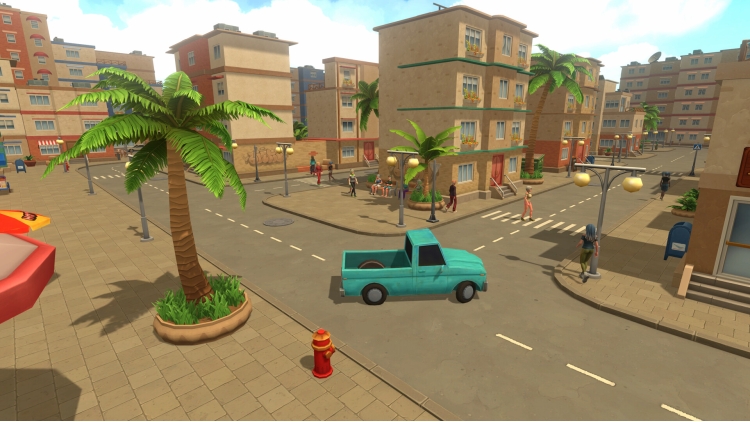

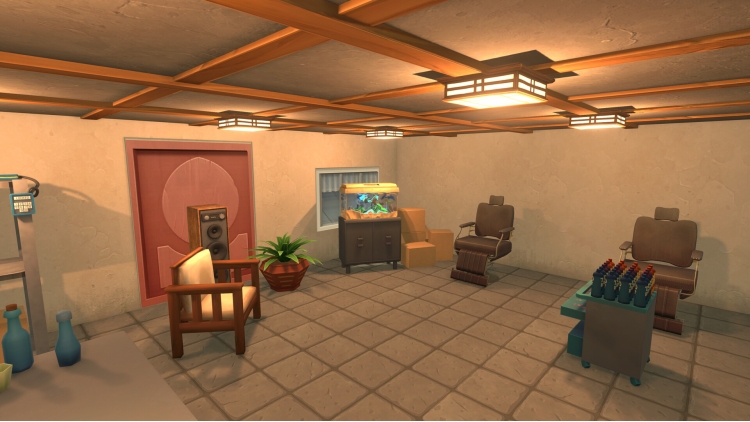
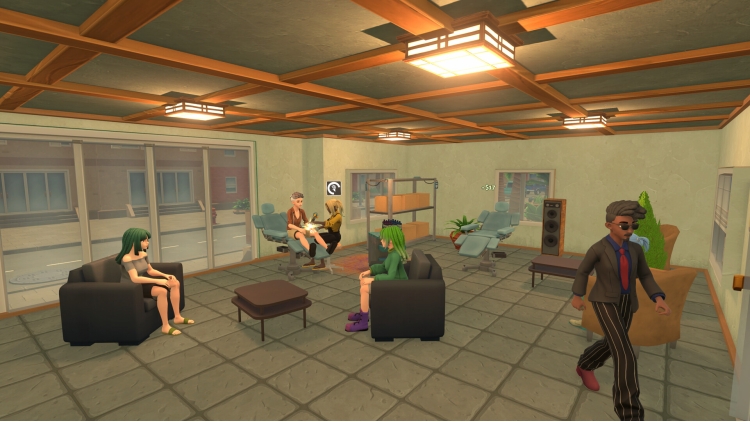
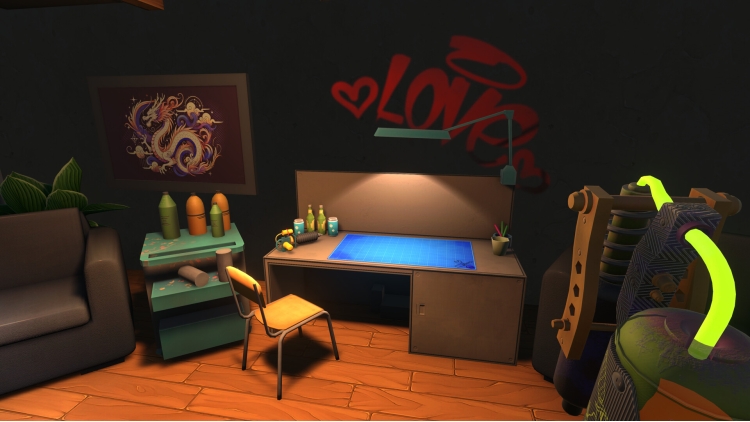
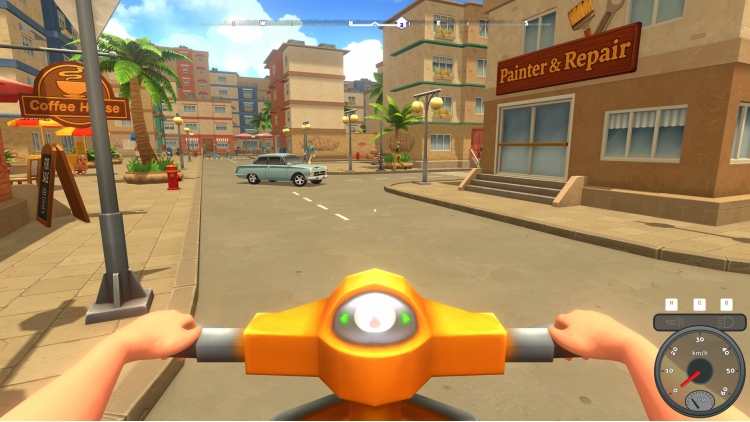
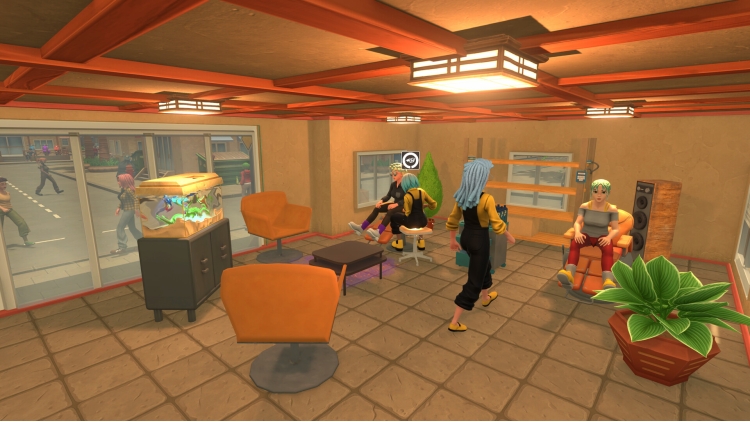
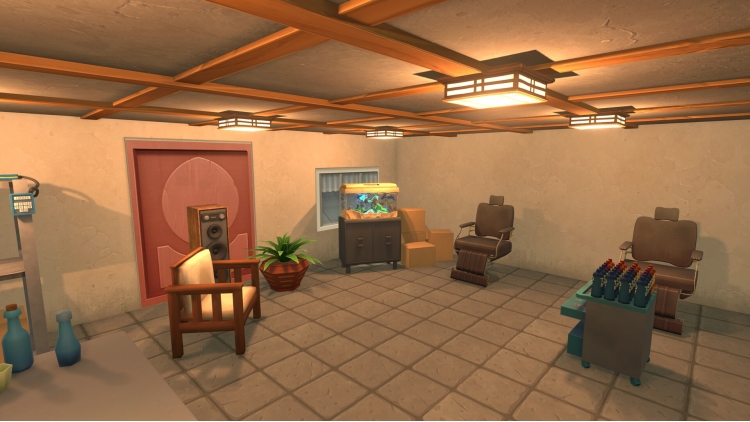
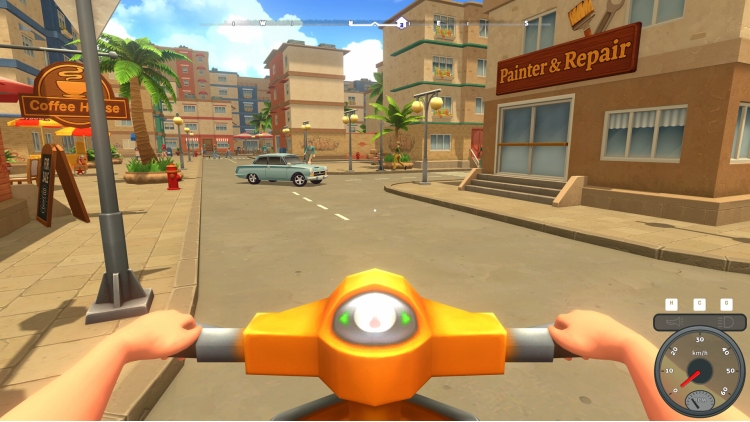
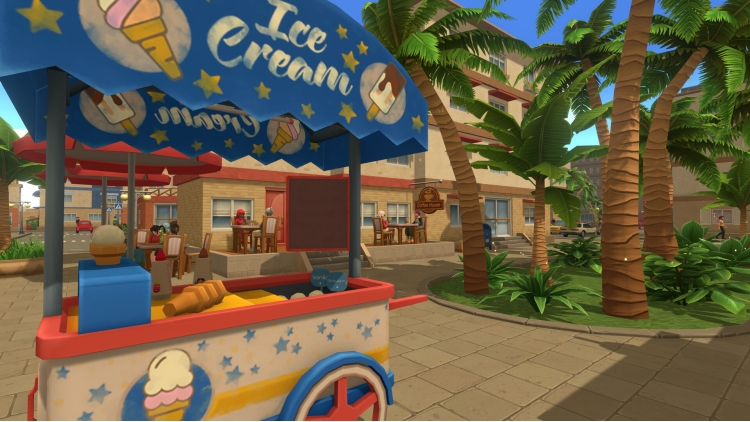
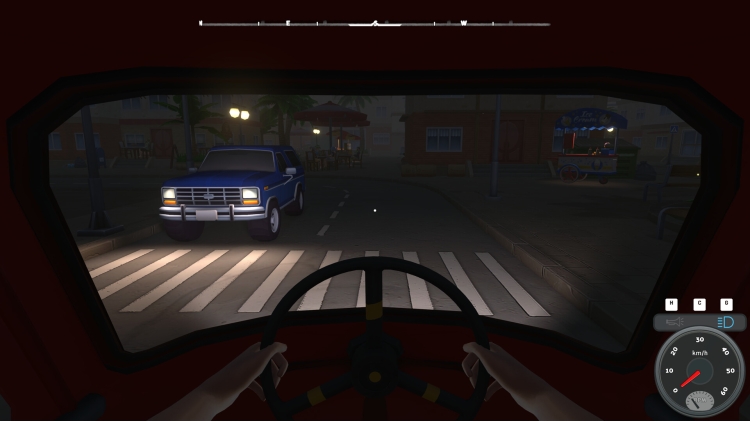

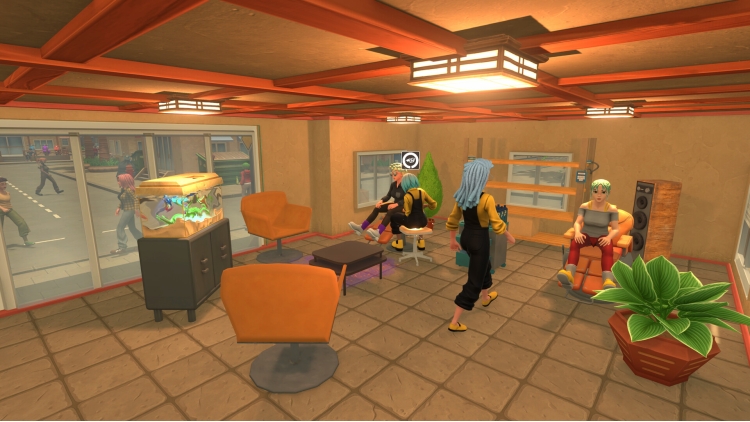
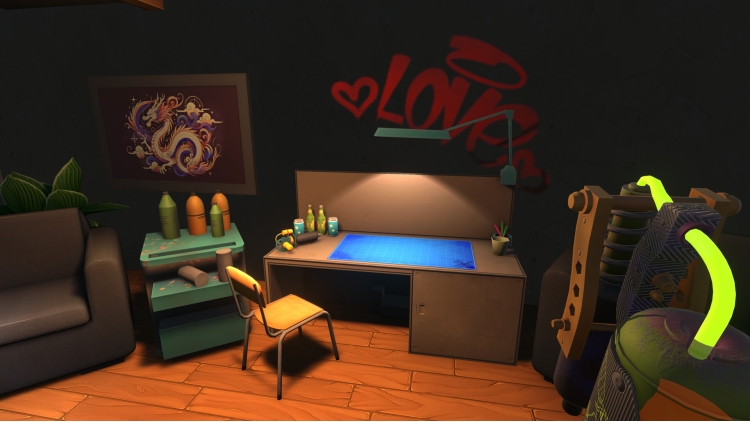
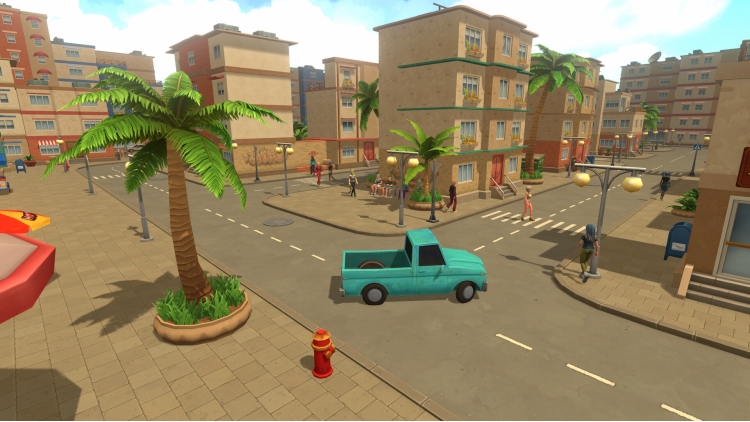
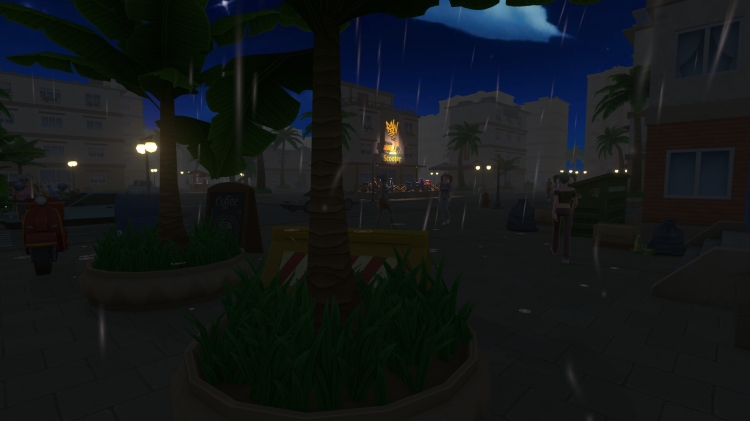
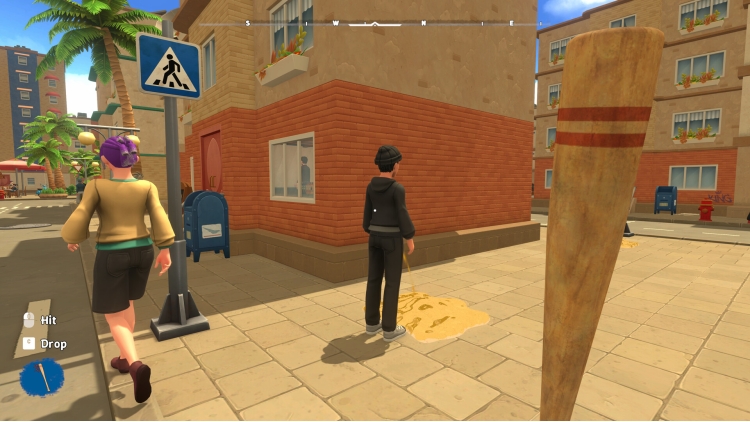
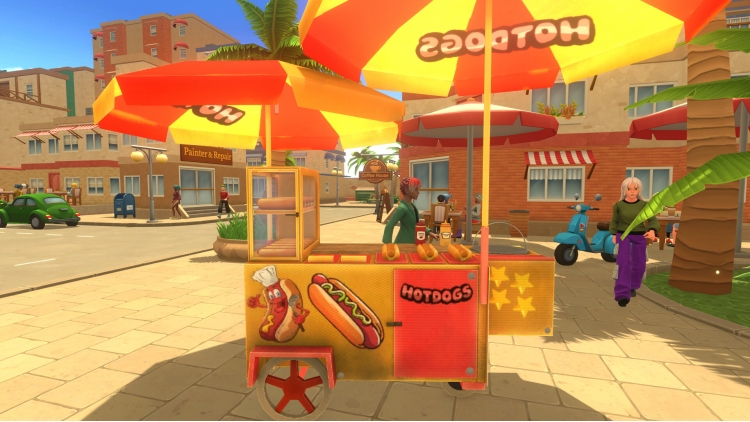
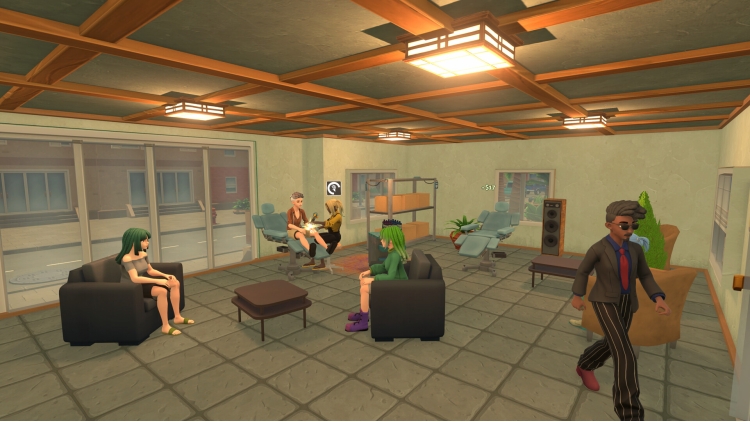
You rented a small shop with the last money in your pocket. Now it's time to show off your art and rewrite the rules of this town!
Listen to customer requests, choose the right design, and get to work. Earn money by providing tattoo and piercing services, but be careful; every mistake lowers customer satisfaction. Use different levels of tattoo machines, manage ink stocks, and keep your equipment in working order at all times.
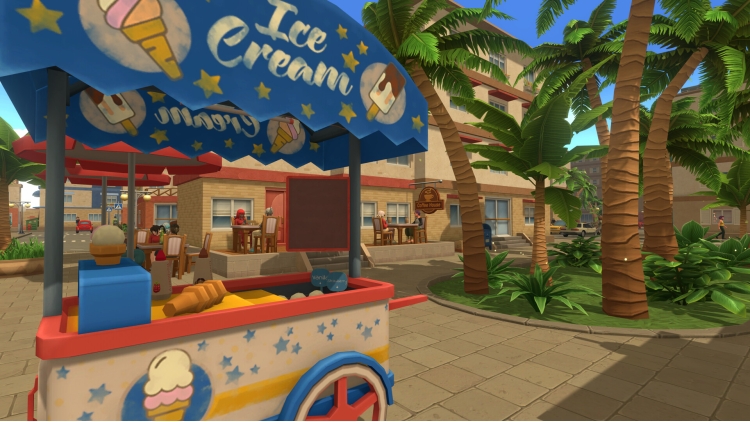
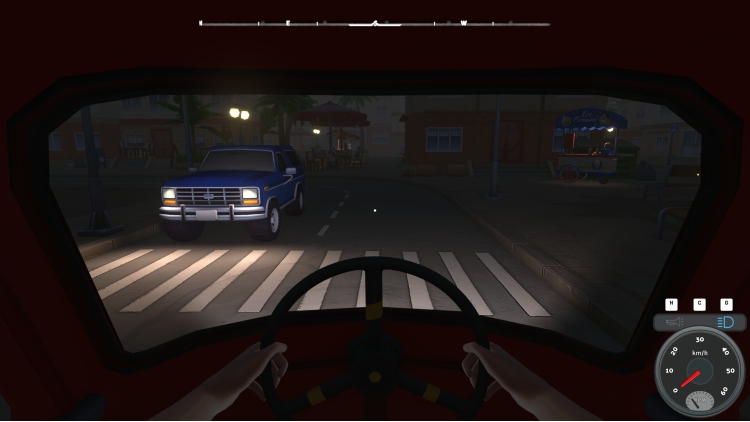
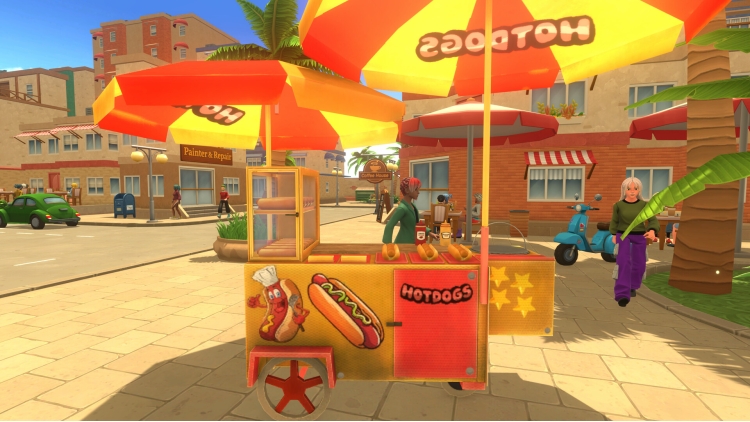
Don't settle for just a tattoo shop! Use your earnings to buy cafes, pizzerias, and hotels in the city to generate passive income. Create extra revenue streams by acquiring hotdog and ice cream selling licenses. Roam freely with your motorcycle and explore the city.
Track every detail of your business. Manage your inventory, monitor your shop's popularity and cleanliness. As your business grows, hire employees who each possess different skills. Maintain your financial balance through the banking app and keep your shop safe from bankruptcy.
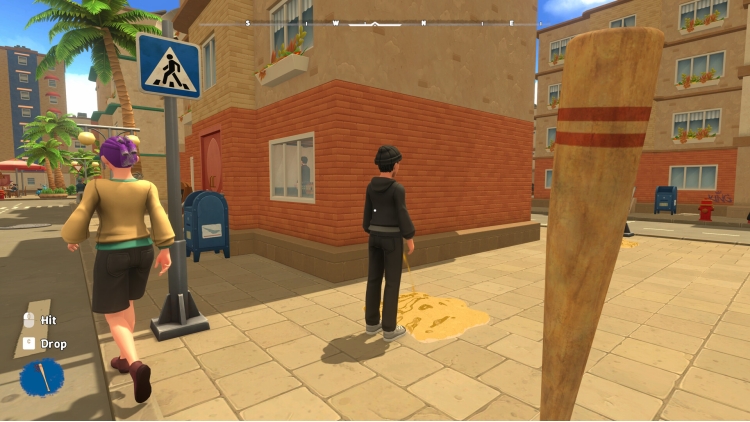
The city's thugs are not open to change, so they might scare away your customers. Grab your bat and defend your shop! Stop these thugs from damaging your business.
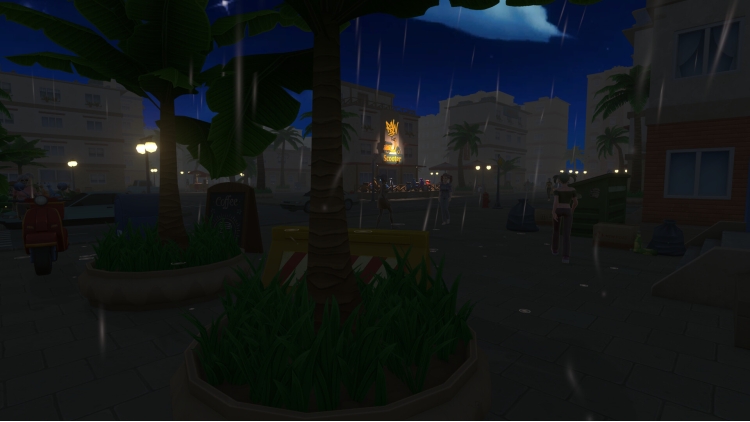
The city isn't always quiet and sunny. Changing weather conditions and city events can impact your entire business. Letters from the municipality can change your fate. Always be prepared for events happening in the city.
Return to the comfort of your home after a busy day. Leave the stress of work behind, take care of your pets, and make time for yourself. Find balance in your life within the day and night cycle.
Buy Tattoo Shop Simulator PC game code quickly and safely at the best prices guaranteed via the official retailer uk.etail.market
1)
Download & install the Steam client on your
computer from here.
2)
Open the Steam client, register and login. Then,
locate the Games tab on the top menu. Click that and select “Activate a Product
on Steam..”

3)
Enter your code that is showed on the orders page
of eTail. Market and and follow the steps showed to activate your game.

4)
The game can be monitored now and you can see it
on the "Library" section on Steam. You can download and install the
game now.
5)
If you need more information and support, you
can click here: https://help.steampowered.com/en/wizard/HelpWithSteam
 0%
Add To Cart
0%
Add To Cart
 90%
Add To Cart
90%
Add To Cart
 15%
Add To Cart
15%
Add To Cart
 55%
Add To Cart
55%
Add To Cart
 91%
Add To Cart
91%
Add To Cart
 70%
Add To Cart
70%
Add To Cart
 15%
Out of Stock
15%
Out of Stock
 91%
Add To Cart
91%
Add To Cart
