

Kill it with Fire
15%


 Add To Cart

 Add To Cart

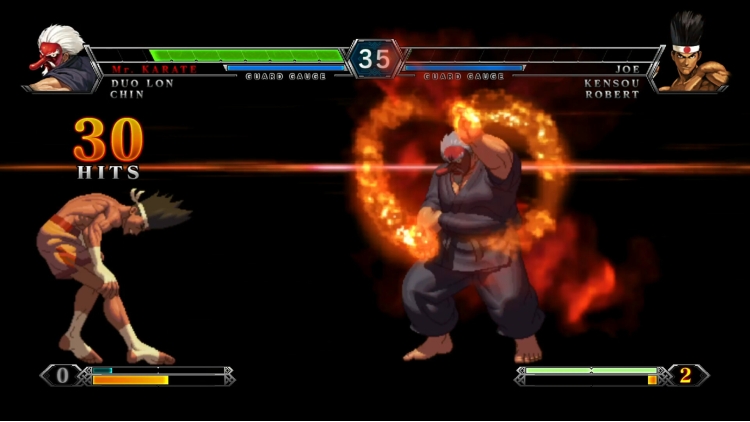
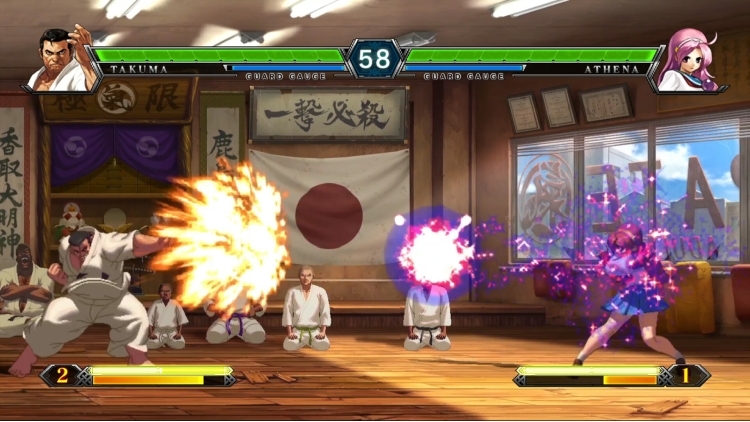
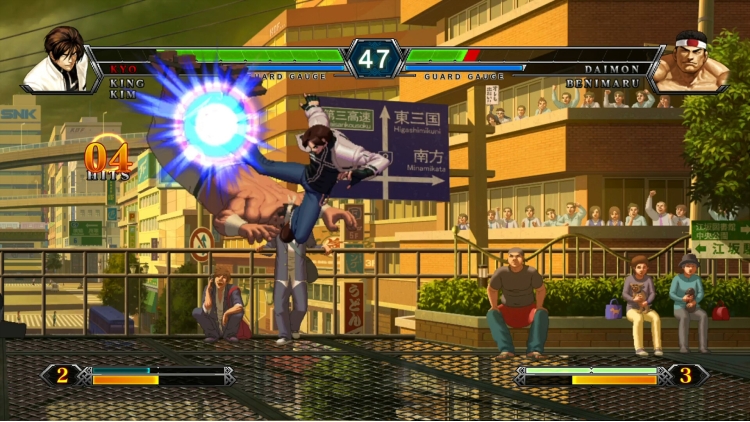
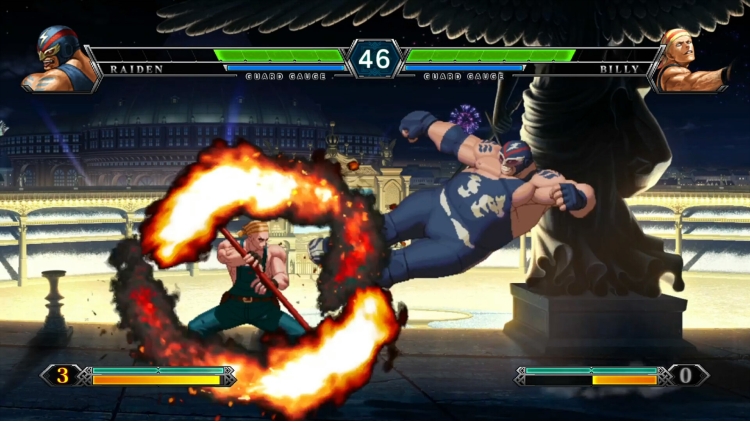
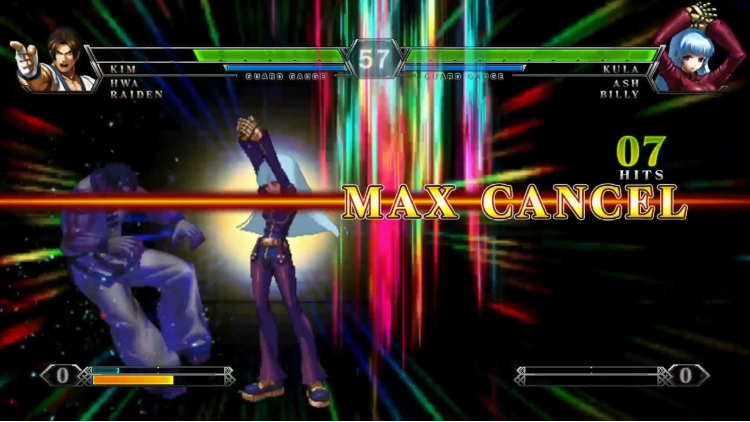
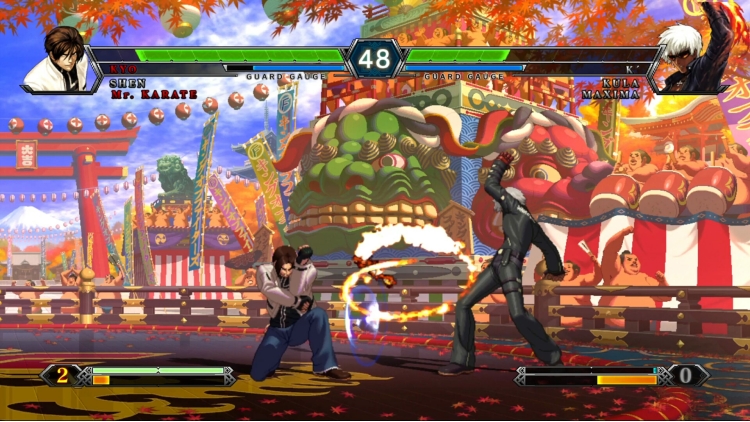
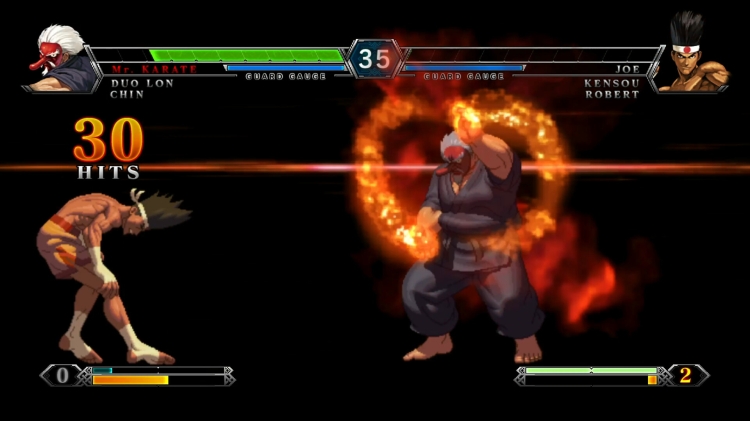
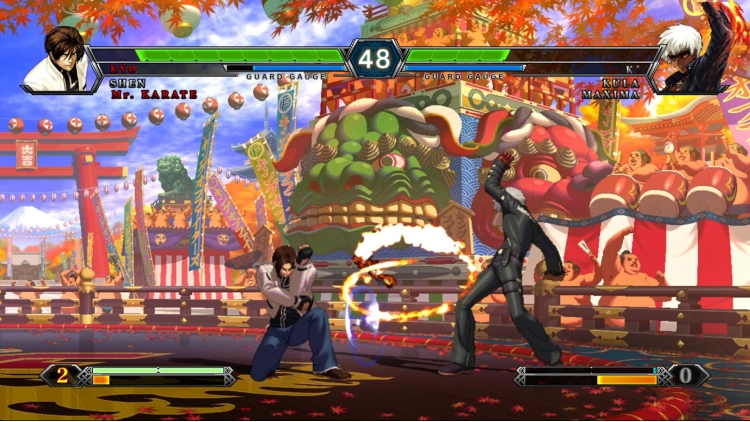
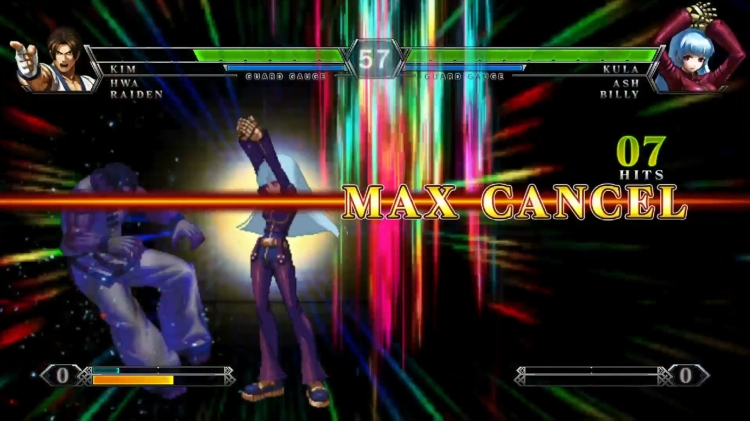
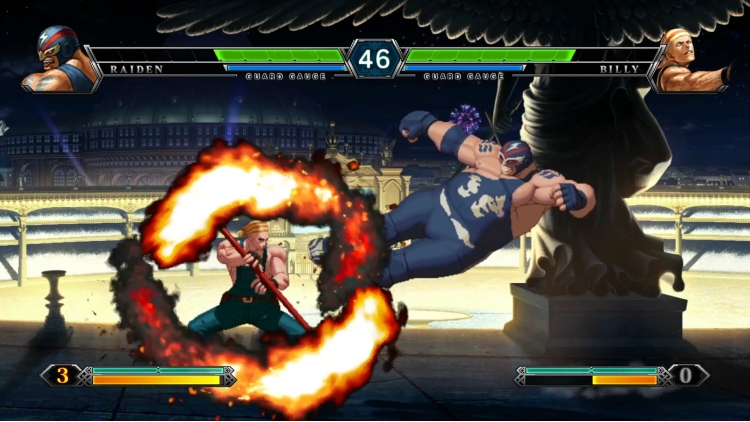
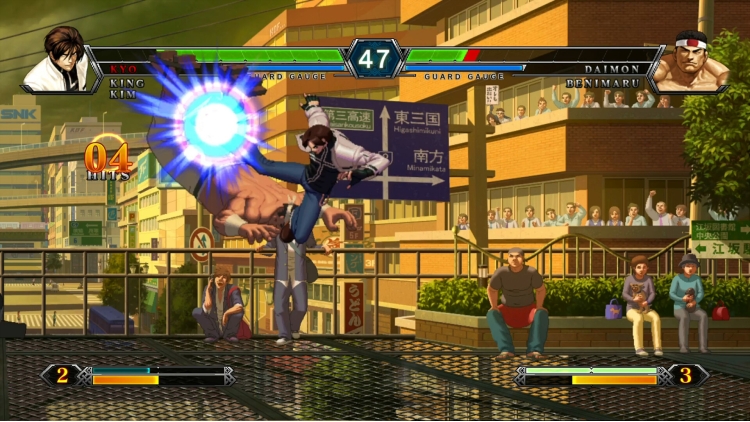
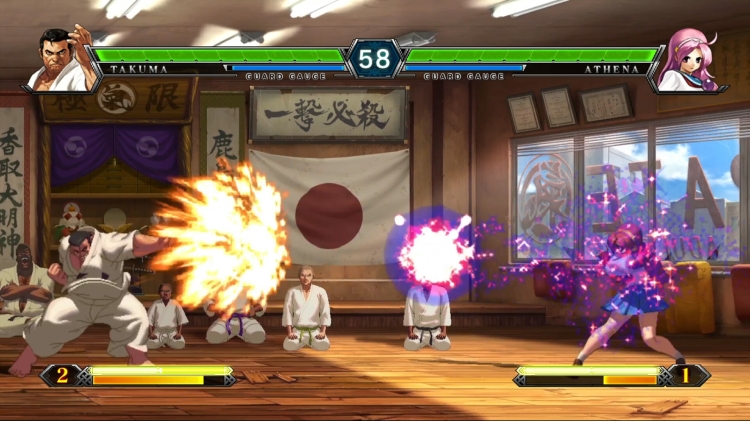
This enhanced version comes with rollback netcode for exhilarating online play, as well as brand-new online lobbies that allow you to join/spectate matches with multiple players at once.
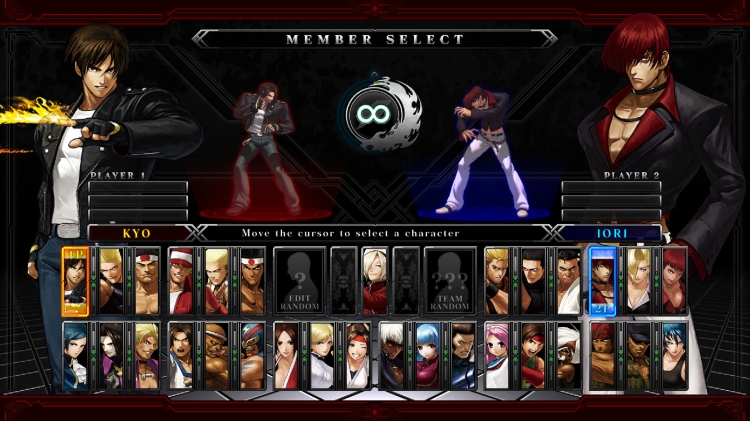
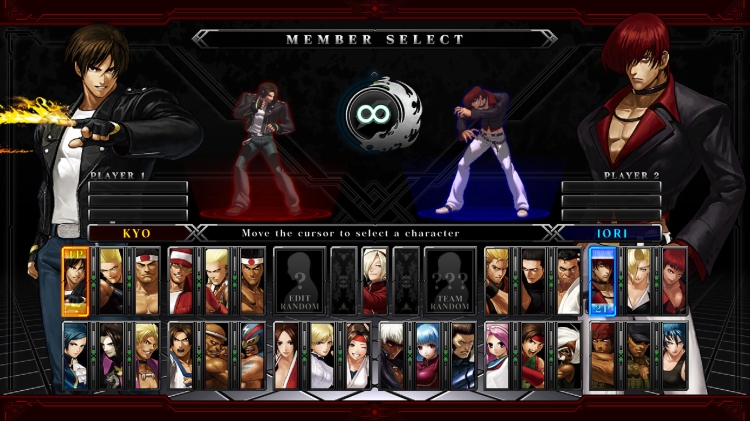
Also features a packed roster of 36 playable characters, including NESTS Style Kyo, Classic Iori, and Mr. Karate!
KOF’s greatest-ever 2D graphics come to life as you face off against players online and around the world!
MAIN FEATURES
・3-ON-3 TEAM BATTLE:
Choose a default team of 3 characters or make your own team by picking up 3 characters of your choice, and fight against teams until victory! Develop your own team strategy by choosing the best characters for you!
・STORY:
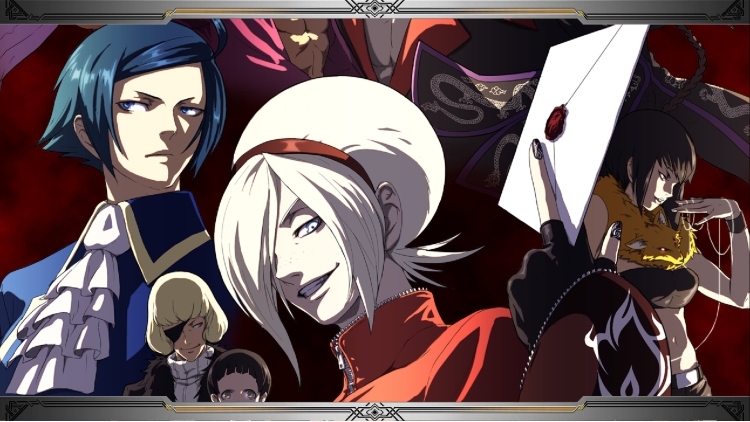
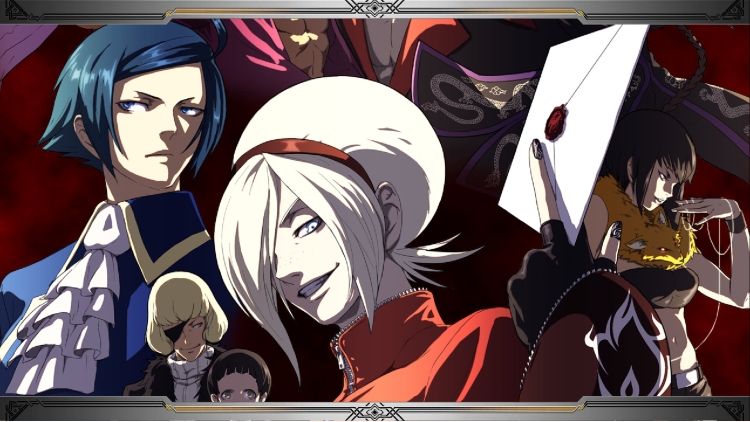
In this mode, you will experience a variety of background stories not touched upon in the game’s original Arcade Version. Discover the truth about KOF’s “Ash Saga” and its secrets through the eyes of the main character, Ash Crimson, and oth[/i]er characters who were not directly participating in the tournament. Your decisions and battle results may lead you to discovering new story elements; try out all the different options and every scene!
・NETWORK:
"THE KING OF FIGHTERS XIII Steam Edition" now features vastly improved netcode that will provide you with the most comfortable online experience yet! The new netcode features improved communication speeds between you and your opponent, and also tailors your online experience according to your PC environment!
“THE KING OF FIGHTERS XIII Steam Edition” features three different types of ONLINE VERSUS Matches, allowing players to challenge other rivals worldwide in endless and intense battles:
‐ “Ranked Match”: fight under specified regulations, and your results will be reflected in the rankings.
- “Player Match”: playing in this mode will not affect your results. You can fight against others casually.
- “Friend Match”: invite online players and challenge them through this mode for heated competition!
・MISSION:
Tackle three different kinds of missions in this mode, and improve your skills!
- “TIME ATTACK”: Defeat all CPU opponents in the shortest time you can.
- “SURVIVAL”: Select a character and fight your way through as many CPU opponents as you can.
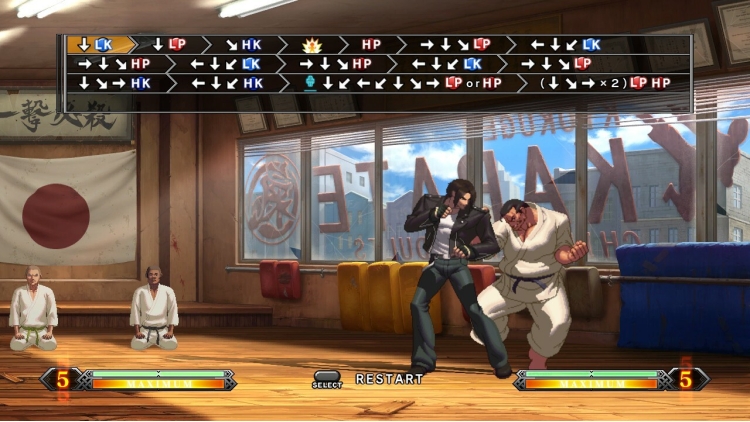
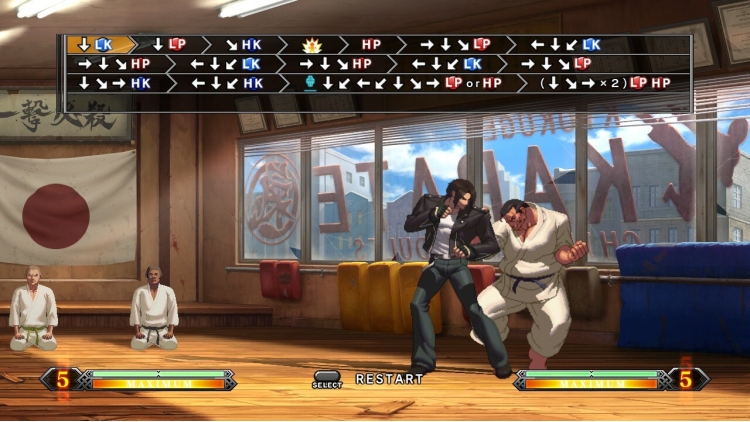
- “TRIAL”: In this mode, each character has 10 tasks, which mainly focus on combos. By the time you complete all 10 tasks, you will have mastered some combos for that character.
・TUTORIAL:
Rose Bernstein, hostess of the tournament, will teach you the basic techniques as well as explain the gauges and their uses. First time KOF players should start here to get used to the game.
・CUSTOMIZE:
This mode allows you to edit your online profile and change character color palette. You can create a team to use online, add icons collected while playing, or enter a preset message that you want to use in your profile. For each character, you can make up to five custom color patterns. Show off your personality on the worldwide stage!
© SNK CORPORATION ALL RIGHTS RESERVED.
Buy THE KING OF FIGHTERS XIII GLOBAL MATCH PC game code quickly and safely at the best prices guaranteed via the official retailer uk.etail.market
© SNK CORPORATION ALL RIGHTS RESERVED.
1)
Download & install the Steam client on your
computer from here.
2)
Open the Steam client, register and login. Then,
locate the Games tab on the top menu. Click that and select “Activate a Product
on Steam..”

3)
Enter your code that is showed on the orders page
of eTail. Market and and follow the steps showed to activate your game.

4)
The game can be monitored now and you can see it
on the "Library" section on Steam. You can download and install the
game now.
5)
If you need more information and support, you
can click here: https://help.steampowered.com/en/wizard/HelpWithSteam
 15%
Add To Cart
15%
Add To Cart
 91%
Add To Cart
91%
Add To Cart
 90%
Add To Cart
90%
Add To Cart
 54%
Add To Cart
54%
Add To Cart
 91%
Add To Cart
91%
Add To Cart
 15%
Out of Stock
15%
Out of Stock
 0%
Add To Cart
0%
Add To Cart
 70%
Add To Cart
70%
Add To Cart