

Joe Danger 2: The Movie
91%


 Add To Cart

 Add To Cart

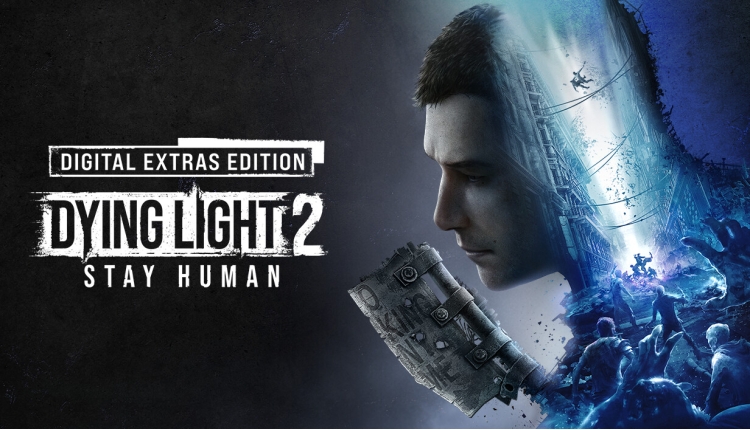
Get the full Dying Light 2 Stay Human experience and more with the Digital Extras Edition!
Dying Light 2 Stay Human: Digital Extras Edition includes:
Dying Light 2 Stay Human: Reloaded Edition, which contains the ‘Bloody Ties’ DLC*
Digital Soundtrack**
Digital Artbook**
Wallpaper**
Digital Comic Book**
*Please note: DLC must be downloaded separately
**Go to the Pilgrim Outpost website (Special Edition subpage in Goodies) to claim digital extras
Buy Dying Light 2: Stay Human Digital Extras Edition PC game code quickly and safely at the best prices guaranteed via the official retailer uk.etail.market
1)
Download & install the Steam client on your
computer from here.
2)
Open the Steam client, register and login. Then,
locate the Games tab on the top menu. Click that and select “Activate a Product
on Steam..”

3)
Enter your code that is showed on the orders page
of eTail. Market and and follow the steps showed to activate your game.

4)
The game can be monitored now and you can see it
on the "Library" section on Steam. You can download and install the
game now.
5)
If you need more information and support, you
can click here: https://help.steampowered.com/en/wizard/HelpWithSteam
 91%
Add To Cart
91%
Add To Cart
 15%
Add To Cart
15%
Add To Cart
 90%
Add To Cart
90%
Add To Cart
 15%
Out of Stock
15%
Out of Stock
 0%
Add To Cart
0%
Add To Cart
 91%
Add To Cart
91%
Add To Cart
 55%
Add To Cart
55%
Add To Cart
 70%
Add To Cart
70%
Add To Cart
